
SVG Vectorizer: Convert PNG & JPG to SVG
Turn bitmap PNG, JPG, and WebP into crisp infinite-scale SVG vector curves with Schneider Bezier curve fitting in browser RAM
Initializing In-Browser RAM Sandbox...
Processing in local RAM...
Quick Summary & Key Takeaways
Essential insights, performance capabilities, and privacy assurances at a glance.
An SVG Vectorizer is an on-device graphics utility that uses color quantization, contour boundary tracing, and cubic Bezier curve fitting to convert raster PNG and JPG images into scalable, resolution-independent SVG vector graphics directly in browser RAM without cloud uploads.
To convert raster PNG, JPG, or WebP images into scalable SVG vector curves for free online without losing quality, upload your file to Multinook's SVG Vector Studio. Our in-browser engine applies K-Means color quantization, Moore-Neighbor boundary tracing, and Schneider cubic Bezier curve fitting directly in device RAM, generating clean, editable SVG code with zero watermarks, no account registration, and 100% private data security.
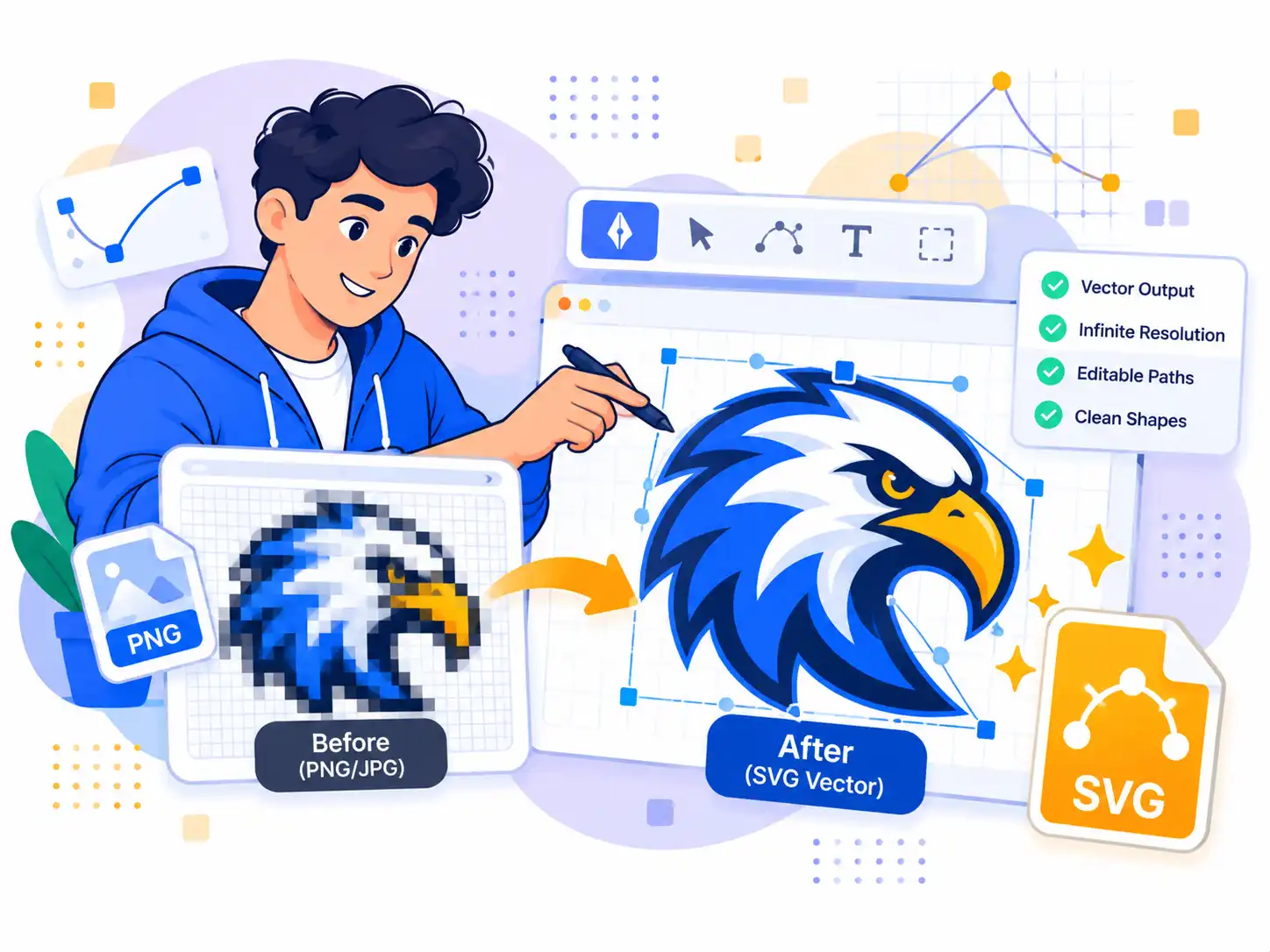
Vectorize Image — High-Performance Engine
Convert raster PNG and JPG images into scalable SVG vector curves for Cricut and Figma for free. Schneider cubic Bezier curves with zero watermarks.
- K-Means dominant color palette detection with smart bilateral edge snapping
- Schneider cubic Bezier curve fitting with smooth C1 tangent continuity
- Figma-grade interactive studio with infinite pan, 800% zoom, and grid overlay
- Interactive layer palette inspector with live color swatches and 2D spectrum picker
- Clean standard SVG export with responsive viewBox, semantic path grouping, and 1-click XML copy
- 100% client-side execution in device RAM with zero cloud uploads and unlimited free usage
Absolute Zero-Upload Confidentiality
Your files are processed strictly within your device RAM using WebAssembly. Zero cloud uploads.

How to use online: SVG Vectorizer: Convert PNG & JPG to SVG
Follow these 3 simple steps to process your documents directly in your browser with zero installations.
Specifications & Format Compatibility
Engineered strictly to W3C WebAssembly and Typed Array specifications.
- Curve Fitting Algorithm
- Schneider Cubic Bezier with C1 Tangent Continuity
- Color Quantization Engine
- K-Means Multi-Centroid Perceptual Color Clustering
- Interactive Studio UI
- Figma-Grade Pan, 800% Hardware Zoom & Grid Overlays
- Export Formats
- Scalable Vector Graphics (SVG), 2x High-Res PNG & Raw XML Clipboard
- Hardware Cut File Support
- Cricut Design Space, Silhouette Studio, Glowforge & LightBurn CNC
- Privacy Architecture
- 100% Client-Side RAM Sandbox (Zero Network Uploads, GDPR/CCPA Compliant)
Target Audience & Practical Use Cases
Who benefits most from this in-browser utility and when to deploy it.
Frequently Asked Questions
Everything you need to know about privacy, security, file limits, and usage.
Authoritative Standards & Technical Citations
Official industry specifications, web standards, and cryptographic references powering this engine.
An Algorithm for Automatically Fitting Digitized Curves (Philip J. Schneider)
Seminal algorithm for least-squares cubic Bezier curve fitting with tangent continuity across digitized boundary contours.
W3C Scalable Vector Graphics (SVG) 2 Specification
Standardized XML-based vector image format definition supporting responsive paths, viewBox coordinates, and styling.
The Mathematical Foundations of In-Browser Cubic Bezier Vectorization
Transforming discrete raster pixel grids into continuous, infinite-resolution vector artwork is one of the most mathematically demanding challenges in computer graphics. Traditional raster-to-vector tracing utilities have historically required heavy desktop software packages like Adobe Illustrator's Image Trace or cloud-based GPU render clusters. Multinook achieves native client-side vectorization by implementing an optimized hybrid of K-Means color clustering, Moore-Neighbor boundary tracing, and Schneider's cubic Bezier curve fitting.
The engine begins by clustering RGB pixel values into discrete chromatic centroids using perceptual color distance metrics. Topological boundary contours are extracted using Moore-Neighbor tracing, producing closed coordinate chains. These coordinate loops are simplified using the Douglas-Peucker algorithm before undergoing least-squares polynomial regression to calculate four control points (P0, P1, P2, P3) per cubic Bezier curve segment, ensuring smooth C1 tangent continuity across adjoining nodes and eliminating stair-stepped aliasing artifacts.
Interactive Figma-Grade Studio: Precision Node Tuning and Dynamic Recolor
Automated vectorization often requires manual refinement to achieve production-ready results for branding and manufacturing. Multinook pairs its tracing engine with an interactive vector studio featuring infinite 2D canvas navigation, hardware-accelerated zooming up to 800%, and grid snapping overlays.
Designers and makers can inspect auto-segmented color layers independently, adjusting curve fitting tolerances to strike the optimal balance between geometric smoothing and intricate micro-detail preservation. The integrated palette manager allows instant layer recoloring via hex codes, RGB swatches, or a full 2D chromatic spectrum, providing real-time visual feedback before exporting finalized artwork.
Air-Gapped IP Protection: Zero Cloud Uploads for Brand Assets and Cut Files
In commercial design and manufacturing environments, uploading unreleased brand identity systems, patented engineering sketches, or custom vinyl cutting templates to third-party cloud vectorizers presents serious trade secret and copyright exposure risks. Cloud converters frequently store user uploads on central servers or use customer data to train commercial models.
Multinook enforces strict air-gapped client-side execution. All pixel classification, contour extraction, and Bezier matrix calculations run exclusively inside your browser's private WebAssembly and JavaScript memory sandbox. No data ever traverses the network, ensuring absolute confidentiality for enterprise trademarks, industrial laser templates, and private creative artwork.