
Multinook

Excel to PDF Converter: Free XLSX to PDF

Convert Excel spreadsheets (.xlsx, .xls) into print-ready A4 & landscape PDF tables with zero cut-off & 100% free

Initializing In-Browser RAM Sandbox...

Processing in local RAM...

100% In-Browser RAM Processing • Zero Server Uploads
At a Glance

Quick Summary & Key Takeaways

Essential insights, performance capabilities, and privacy assurances at a glance.

Official Definition

An Excel to PDF Converter is a spreadsheet rendering utility that converts multi-sheet XLSX workbooks into print-ready vector PDF documents while preserving cell borders, number formatting, and typography without cutting off columns or uploading data to cloud servers.

Overview|Verified Client-Side Architecture

To convert an Excel spreadsheet (.xlsx, .xls, .csv) to PDF online for free without Adobe Acrobat, upload your workbook into our browser workspace, select your preferred layout (Fit All Columns on One Page, A4, or Landscape mode), preview page breaks, and click Convert to PDF. Our client-side WebAssembly engine compiles crisp vector tables directly in your local device RAM with zero file uploads, no watermark, and no software installation required.
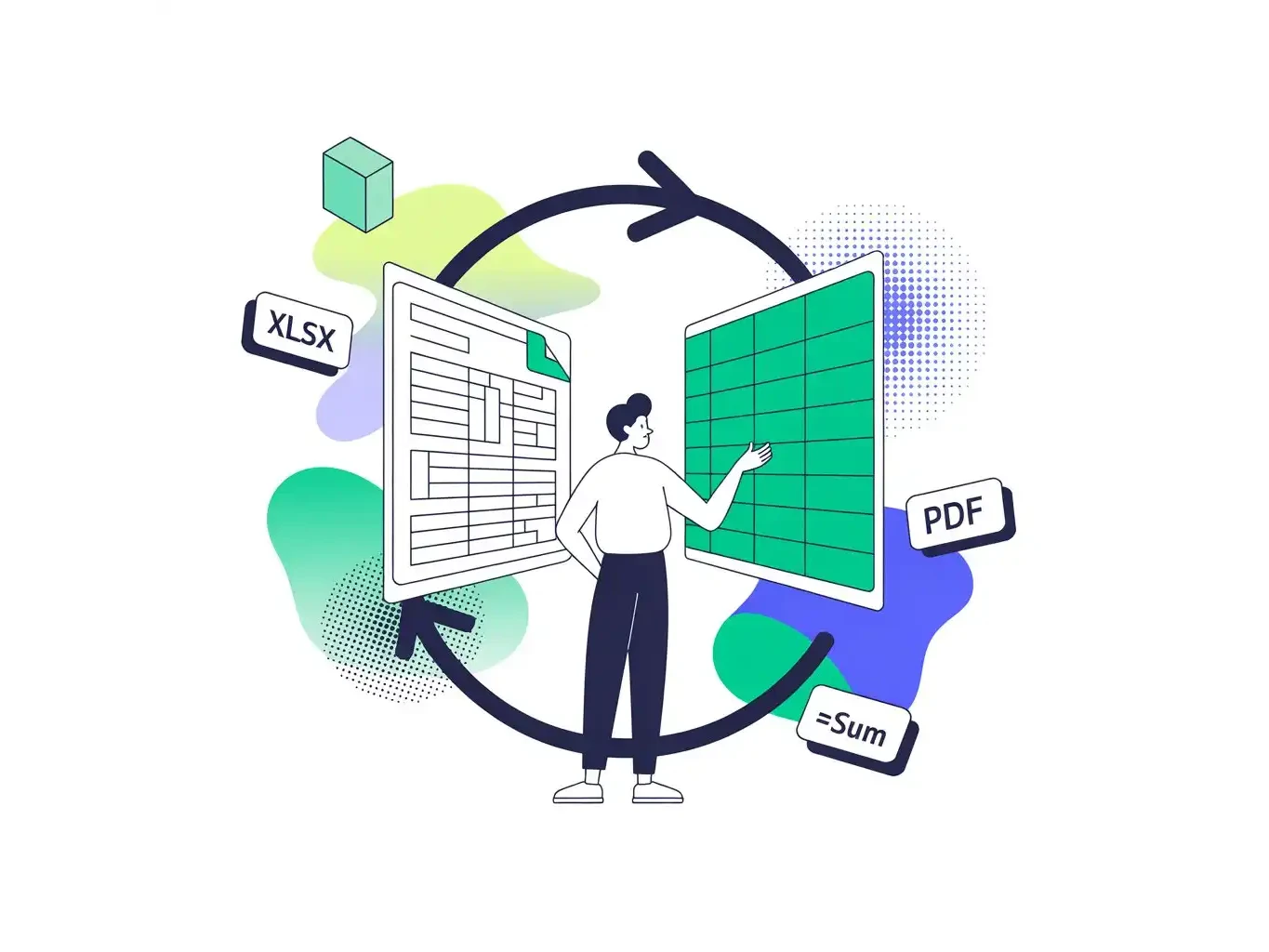
Print-Ready Page Scaling

Auto-fits wide spreadsheets onto single pages with clean pagination and custom landscape margins.

Multi-Worksheet Support

Converts individual sheets or entire workbooks into a seamless, high-resolution vector PDF.

Typography & Border Fidelity

Accurately mirrors cell borders, background fills, currency formatting, and numeric alignments.

100% In-Browser Privacy

Zero bytes uploaded to third-party servers; all spreadsheet parsing executes in local memory.

Excel to PDF Converter: Free XLSX to PDF — Technical Architecture & Specifications
High-Performance Engine

Excel to PDF — High-Performance Engine

Convert Excel spreadsheets (XLSX, XLS) to clean PDF documents online for free without cutting off columns. Fits worksheets to page with zero uploads.

  • Fit All Columns on One Page (Zero Data Cut-Off)
  • Standard ISO A4 & Landscape Orientation Presets
  • Full Multi-Sheet Workbook & Tab Support
  • Crisp Vector Table Gridlines, Borders & Headers
  • 0 Bytes Uploaded (100% Private In-Browser RAM)
  • Free Forever Without Watermarks, Ads or Sign-Up
Air-Gapped Data Privacy

Absolute Zero-Upload Confidentiality

Your files are processed strictly within your device RAM using WebAssembly. Zero cloud uploads.

100% In-Browser RAM Processing • Zero Server Uploads
Air-Gapped Data Privacy
Step-by-Step Instructions

How to use online: Excel to PDF Converter: Free XLSX to PDF

Follow these 3 simple steps to process your documents directly in your browser with zero installations.

1

Upload Excel Spreadsheet Online Free

Drag and drop your .xlsx, .xls, or .csv workbook, invoice, or financial model into the converter. Files load instantly in local RAM with zero bytes sent to external cloud servers.

2

Select Fit-to-Page Layout & Orientation

Choose 'Fit All Columns on One Page' to prevent awkward horizontal column splits, select Portrait or Landscape orientation, and choose standard ISO A4 or US Letter page sizing.

3

Download Print-Ready PDF Without Watermark

Click 'Convert to PDF' to compile your vector spreadsheet document. Download your pristine, executive-ready PDF instantly with zero watermarks and no registration.

Technical Architecture & Specifications

Specifications & Format Compatibility

Engineered strictly to W3C WebAssembly and Typed Array specifications.

Parser Engine
SheetJS OpenXML AST Parser + pdf-lib Vector Table Renderer
Supported Formats
Microsoft Excel (.xlsx), Legacy Excel (.xls), CSV (.csv)
Page Standards
ISO A4 (595 x 842 pt) & US Letter (612 x 792 pt)
Layout Features
Fit All Columns, Landscape/Portrait, Zebra Striping, Header Banners
Data Transmission
0 Bytes Uploaded • 100% In-Browser RAM Sandbox
Pricing & Licensing
Free Forever ($0) • No Account Required • Unlimited
Audience & Workflows

Target Audience & Practical Use Cases

Who benefits most from this in-browser utility and when to deploy it.

Chief Financial Officers, CPAs & Controllers

Accounting & Finance Departments

Generating formal monthly financial statements, balance sheets, and P&L reports for executive board presentations.

General Contractors, Engineers & Project Leads

Project Managers & Estimators

Exporting project timelines, Gantt estimates, and bill-of-materials into clean, tamper-proof client deliverables.

Compensation Managers, HR Leads & Operations Directors

Human Resources & Operations

Publishing salary grade charts, employee schedules, and shift roster reports in standardized vector format.

Account Executives, Estimators & Proposal Leads

Commercial Sales Teams

Converting custom pricing calculation sheets into tamper-resistant PDF proposals for client signing.

Common Inquiries

Frequently Asked Questions

Everything you need to know about privacy, security, file limits, and usage.

Upload your spreadsheet into our online converter and select the "Fit All Columns on One Page" preset. Unlike basic print drivers that slice wide spreadsheets into awkward vertical segments, our layout engine dynamically calculates total table width, scales cell padding proportionately, and applies intelligent text wrapping so that every single column fits cleanly across the page width without being cut off.
Yes. If your spreadsheet contains dozens of columns, timelines, or financial forecasts, select "Landscape" orientation. Combined with our auto-fit algorithm, landscape mode gives your table generous horizontal breathing room, preserving readable font sizes, column headers, and currency figures without horizontal page splits.
Our converter automatically parses every visible tab in your Excel (.xlsx) workbook. Each worksheet is rendered into its own neatly formatted section with clean page breaks and labeled headers, packaging the entire multi-tab workbook into a single, cohesive PDF document ready for presentation.
Yes. SheetJS evaluates all formulas to display their final calculated values, maintaining accurate currency symbols, percentage formats, and date formatting. Additionally, cell border lines, zebra striping, and colored header banners are drawn as sharp vector rules that look immaculate on screen and in print.
You do not need Microsoft Office, Excel 365, or Adobe Acrobat installed on your computer. Open this web tool in Safari, Google Chrome, Microsoft Edge, or Firefox on macOS, Windows 11, or Windows 10. Drop your spreadsheet into the browser, choose your settings, and save your PDF document directly to your device completely free.
Yes, 100% safe. Financial audits, employee payroll ledgers, corporate budgets, and client pricing proposals contain sensitive commercial data. Our engine operates entirely inside your local device's browser memory (RAM) using client-side WebAssembly. Zero bytes of your spreadsheet ever touch remote cloud servers, guaranteeing absolute confidentiality.
Visit this tool on your mobile device using Safari on iOS or Chrome on Android. Tap 'Select File' to choose your spreadsheet from your device's Files app, iCloud, or Google Drive. Tap 'Convert to PDF' and your phone will generate the vector PDF locally in seconds, ready to share via WhatsApp, Slack, or email.
Yes. Most commercial platforms limit free users to 1 or 2 files per day or enforce a 15-minute queue timer before requiring paid subscriptions. On Multinook, all conversions are processed locally by your computer's browser hardware, allowing you to convert unlimited spreadsheets of any size with zero watermarks and no email required.
Standards & Evidence

Authoritative Standards & Technical Citations

Official industry specifications, web standards, and cryptographic references powering this engine.

Professional Excel to PDF Publishing Directly in the Browser

Sharing raw Excel spreadsheets often causes display discrepancies across different operating systems, missing font problems, broken column widths, or unintended formula edits by recipients. Converting spreadsheets to vector PDF documents guarantees exact visual presentation across all operating systems, smartphones, and commercial printers.

Multinook transforms your spreadsheets into beautiful vector PDF documents in local memory. By computing optimal column distributions, auto-wrapping text, and drawing crisp vector rules, it delivers executive-ready financial reports without requiring Microsoft Office licenses or Adobe Acrobat Pro subscriptions.

Dynamic Column Sizing and Elimination of Awkward Page Cut-Offs

The most frustrating aspect of default spreadsheet printing is the dreaded horizontal overflow: a table with 8 columns gets divided so that 6 columns print on Page 1 while the remaining 2 columns spill awkwardly onto Page 2.

Our algorithmic layout engine solves this by calculating the total point width of your spreadsheet data relative to target page boundaries (A4 or Letter). It dynamically scales cell margins, applies smart word wrapping to verbose headers, and adjusts typography to fit all columns cohesively on a single horizontal plane, completely eliminating orphaned columns.

Verified 100% In-Browser RAM Security
Updated for 2026 Web Standards