
Split PDF Online: Extract Pages for Free
Extract specific pages, divide page ranges or separate multi-page PDF into single files 100% free with no watermark
Initializing In-Browser RAM Sandbox...
Processing in local RAM...
Quick Summary & Key Takeaways
Essential insights, performance capabilities, and privacy assurances at a glance.
A PDF Splitter is an in-browser document extraction tool that parses cross-reference tables and isolates specific page ranges, single sheets, or book chapters into independent PDF files without re-encoding vector streams, uploading data to cloud servers, or applying watermarks.
To split a PDF or extract pages online for free without Adobe Acrobat, upload your PDF file into our browser splitter, select page thumbnails visually or type custom page ranges (e.g. 1-5, 8, 12-20), choose whether to extract selected sheets into a single PDF or separate files, and click Download. All processing executes locally in device RAM using WebAssembly with zero file uploads, no watermark, and no document limits.
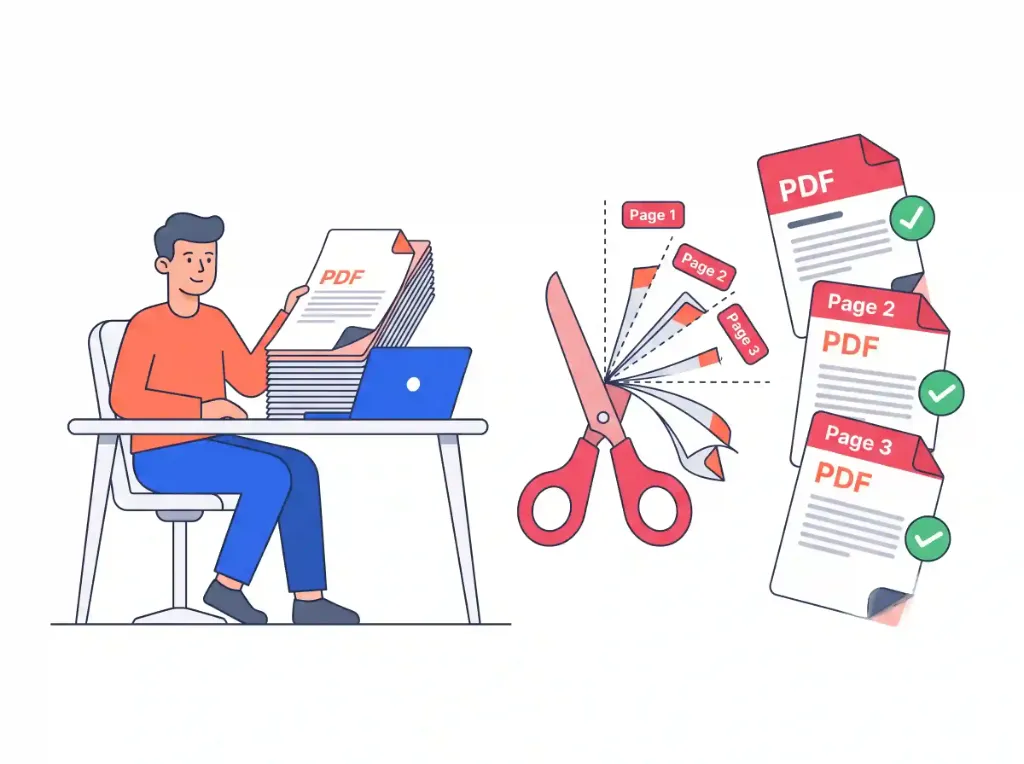
Split PDF — High-Performance Engine
Split PDF files by page ranges or extract individual pages into separate PDFs online for free. Fast, private in-browser splitting with zero limits.
- Visual Page Thumbnail Picker & Range Syntax
- Split Multi-Page PDF into Individual Files or ZIP
- Extract Specific Pages & Custom Ranges (1-5, 8, 12-20)
- Delete Unwanted, Blank or Redundant Pages
- 0 Bytes Uploaded (100% Private In-Browser RAM)
- Free Forever Without Watermarks, Ads or Sign-Up
Absolute Zero-Upload Confidentiality
Your files are processed strictly within your device RAM using WebAssembly. Zero cloud uploads.

How to use online: Split PDF Online: Extract Pages for Free
Follow these 3 simple steps to process your documents directly in your browser with zero installations.
Specifications & Format Compatibility
Engineered strictly to W3C WebAssembly and Typed Array specifications.
- Slicing Technology
- Low-Level Byte Stream Slicing (Zero Re-Compression)
- Range Syntax Engine
- Real-Time Dynamic Grammar Parser (1-5, 8, 12-20, Even/Odd)
- Export Modes
- Single Consolidated PDF or Multi-PDF ZIP Archive
- Data Transmission
- 0 Bytes Uploaded • 100% In-Browser RAM Isolation
- Page Tree Pruning
- Isolated /Pages Object Dereferencing & Garbage Collection
- Pricing & Licensing
- Free Forever ($0) • No Account Required • Unlimited
Target Audience & Practical Use Cases
Who benefits most from this in-browser utility and when to deploy it.
Frequently Asked Questions
Everything you need to know about privacy, security, file limits, and usage.
Authoritative Standards & Technical Citations
Official industry specifications, web standards, and cryptographic references powering this engine.
ISO 32000-1 Cross-Reference Table Specifications
Standard governing byte-offset xref tables, trailer dictionaries, and non-destructive page object extraction.
Adobe PDF Linearized Document Structure Standard
Technical guidelines for organizing page trees and object numbering for rapid page extraction.
Mozilla PDF.js Document Tree Parser
Open standard reference for traversing internal PDF catalog dictionaries and page object nodes in modern web runtimes.
Lossless Byte-Level Stream Slicing vs Re-Encoding Degradation
Many basic online PDF splitting utilities re-render pages through a virtual print driver or re-compress embedded graphics, leading to noticeable image compression artifacts, font substitution errors, stripped hyperlinks, and bloated file sizes.
Our tool performs direct byte-level stream extraction using WebAssembly compiled PDF-Lib. The engine parses the internal cross-reference table (xref), resolves the object dictionary of your target range (e.g. pages 1-5, 8, 12-20), and copies the original content streams bit-for-bit into a freshly compiled PDF document wrapper. Embedded vector typography, original DPI images, form fields, and color spaces remain completely untouched.
Scalable Extraction for Heavy Scanned Documents and Large Bundles
When working with 500-page court filings, mortgage dossiers, or archived architectural drawings, traditional cloud tools crash or enforce strict upload file size limits (often 10 MB to 50 MB) to protect their servers.
Because our tool processes files entirely within your local browser memory using ArrayBuffer memory mapping, it easily handles massive multi-hundred-page files. You can isolate specific page chapters into a single consolidated PDF or burst every page into independent PDFs bundled into a single ZIP archive with zero cloud bottlenecks.