
Compress PDF Online: Reduce File Size Free
Compress PDF and reduce PDF file size online for free up to 90%
Initializing In-Browser RAM Sandbox...
Processing in local RAM...
Quick Summary & Key Takeaways
Essential insights, performance capabilities, and privacy assurances at a glance.
A PDF Compressor is a client-side document optimization engine that reduces byte size through stream deflation, unreferenced font glyph eradication, and adaptive image downsampling without degrading text crispness or legal validity.
To compress a PDF and reduce file size online for free without losing quality, drop your document into the workspace, select your compression preset (Extreme for under 100KB/200KB, Recommended for email under 1MB, or High-Quality Lossless), and download instantly. Our dual-pass WebAssembly engine deflates vector streams and downsamples images directly in your browser RAM on Mac, Windows 11, iPhone, or Android with zero file size limits, no watermarks, no email sign up, and no cloud uploads.
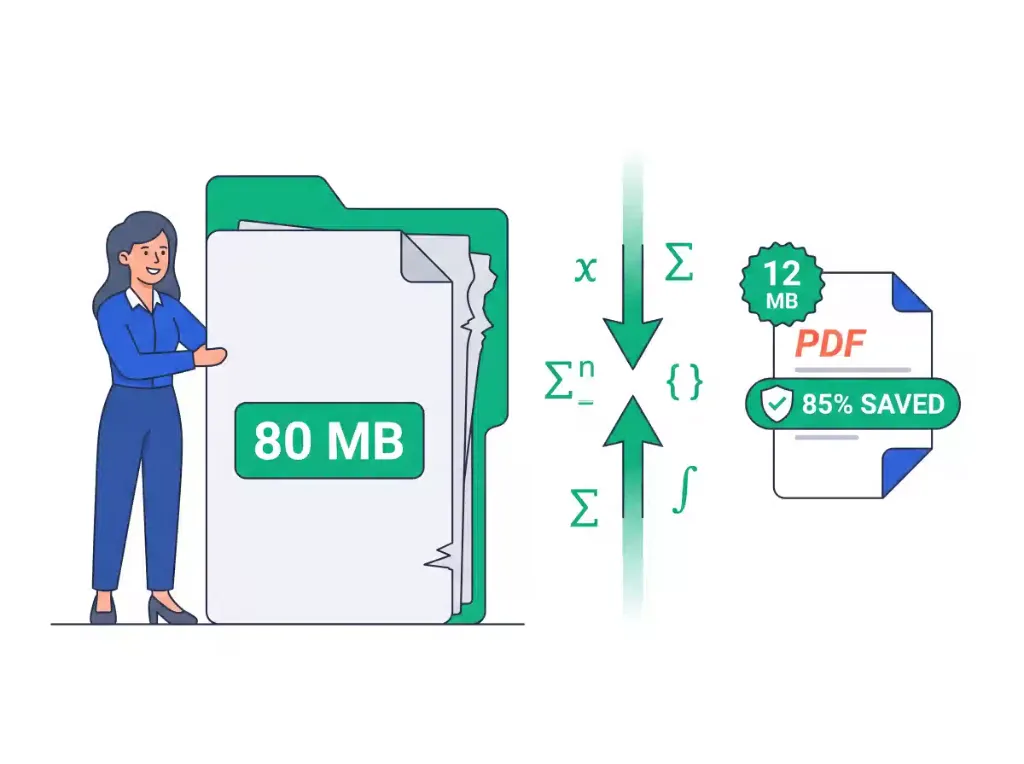
Compress PDF — High-Performance Engine
Compress PDF files online to 100KB, 200KB, or 1MB for free without losing quality. Fast in-browser compression with zero cloud uploads or watermarks.
- Target presets (100KB, 200KB, 1MB)
- Lossless vector typography preservation
- Zero file size or page upload caps
- 100% Private local RAM processing
Absolute Zero-Upload Confidentiality
Your files are processed strictly within your device RAM using WebAssembly. Zero cloud uploads.

How to use online: Compress PDF Online: Reduce File Size Free
Follow these 3 simple steps to process your documents directly in your browser with zero installations.
Why Multinook Outperforms Traditional Cloud Converters
See how client-side WebAssembly architecture compares to conventional cloud upload services.
Price
File processing
Compression options
Strong compression
Installation
Free downloads
| Feature Comparison | Multinook (In-Browser RAM) | Smallpdf |
|---|---|---|
| Price | Free | Free / Pro plans |
| File processing | On your device | Cloud upload |
| Compression options | Size / quality modes | Basic / Moderate / Strong |
| Strong compression | No subscription | Pro plan |
| Installation | None required | None required |
| Free downloads | No daily task cap | Daily download limit |
Specifications & Format Compatibility
Engineered strictly to W3C WebAssembly and Typed Array specifications.
- Compression Algorithm
- Dual-Pass Stream Deflation + Adaptive MozJPEG DCT & JBIG2
- Reduction Targets
- Extreme (80%-95%), Recommended (60%-85%), Less (30%-60%)
- Target Thresholds
- Calibrated for 100KB, 200KB, 500KB, 1MB, and 2MB Portal Limits
- Data Transmission
- 0 Bytes Uploaded • 100% In-Browser Air-Gapped RAM Sandbox
- Standard Compliance
- PDF 1.0 to 2.0 (ISO 32000-2), PDF/A Archival Compatible
- Vector Text Loss
- 0.00% (Strictly Preserved TrueType/OpenType Scalable Glyphs)
- Licensing & Limits
- Free Forever ($0) • No Account / No Credit Card Required
Target Audience & Practical Use Cases
Who benefits most from this in-browser utility and when to deploy it.
Frequently Asked Questions
Everything you need to know about privacy, security, file limits, and usage.
Authoritative Standards & Technical Citations
Official industry specifications, web standards, and cryptographic references powering this engine.
ISO 32000-2:2020 FlateDecode & JBIG2 Compression Specifications
Specifies lossless and lossy binary compression filters for stream objects and bilevel document bitmaps.
Mozilla PDF Optimization Recommendations
Best practices for stripping unreferenced font glyphs, duplicate dictionary objects, and thumbnail caches.
The Engineering Behind In-Browser PDF Compression & WebAssembly Stream Deflation
Traditional online compressors upload multi-megabyte PDF documents to remote server farms, introducing upload delays and often relying on outdated server scripts like Ghostscript that rasterize vector text into blurry, pixelated bitmaps. This legacy workflow damages document quality and exposes confidential financial statements, contracts, and medical records to remote server storage.
MultiNook's Dual-Pass compression engine operates entirely within your browser's isolated WebAssembly runtime. In Pass 1, our engine parses the PDF Cross-Reference (xref) table, prunes unreferenced dead revisions, removes non-essential TrueType hinting tables (such as hdmx, VDMX, LTSH, and PCLT), and deflates raw object streams (/ObjStm) without touching scalable text glyph vectors.
When deeper size reduction is needed, Pass 2 evaluates embedded raster images. Using MozJPEG-grade discrete cosine transform (DCT) quantization and CCITT/JBIG2 bilevel compression, embedded photographs and scans are downsampled to calibrated DPI targets (96 to 150 DPI) and re-embedded into exact physical page bounds. Because all processing executes locally via multi-threaded Web Workers, your documents remain 100% private with sub-second execution speeds.
Optimizing PDFs for Strict 100KB, 200KB & 1MB Government & Job Portal Thresholds
Government employment portals, academic admission platforms, and visa application systems worldwide enforce rigid maximum file sizes (commonly 100KB, 200KB, or 1MB). When documents contain multi-megapixel smartphone scans, file sizes routinely balloon beyond 10MB to 25MB, resulting in failed uploads and rejected applications.
By selecting our Extreme Compression preset, the engine applies aggressive structural stream optimization, stripping embedded metadata (/Metadata, /StructTreeRoot, /PieceInfo), purging pre-rendered thumbnail caches (/Thumb), and downsampling imagery to 96 to 120 DPI while keeping 100% text legibility. This guarantees your document clears portal upload barriers without buying Adobe Acrobat Pro.
Air-Gapped Zero-Cloud Architecture for Confidential Corporate, Healthcare & Legal Records
Legal briefs, tax filings and other business documents can contain confidential information. Local PDF compression avoids uploading those document contents to a processing server. Your organization’s storage, sharing and retention requirements still apply to the original and compressed copies.
Our tool guarantees complete zero-knowledge security. Document byte streams never leave your device network perimeter. The moment you finish your download and close the browser tab, all allocated memory buffers are immediately purged by the browser garbage collector.