
Image Compressor: Compress to 20KB, 50KB
Compress JPG, PNG, WebP & AVIF images to exact 20KB, 50KB, 100KB, 200KB without losing quality 100% free
Initializing In-Browser RAM Sandbox...
Processing in local RAM...
Quick Summary & Key Takeaways
Essential insights, performance capabilities, and privacy assurances at a glance.
An Image Compressor is an in-browser media optimization studio utilizing WebAssembly builds of MozJPEG, libwebp, and OxiPNG to compress photos and graphics by up to 90% to exact target file sizes (20KB, 50KB, 100KB, 200KB) with perceptual SSIM scores exceeding 0.98.
To compress an image without losing quality online for free, drag and drop your JPG, PNG, WebP, or AVIF photos into our in-browser studio, choose your desired format or exact target size cap (such as 20KB, 50KB, 100KB, or 200KB for government and visa portals), and click Download. Powered by client-side WebAssembly codecs (MozJPEG, Google libwebp, Rust OxiPNG, libavif), our engine reduces file weight by up to 90% directly inside your device memory with zero server uploads, no watermarks, and no sign-up.
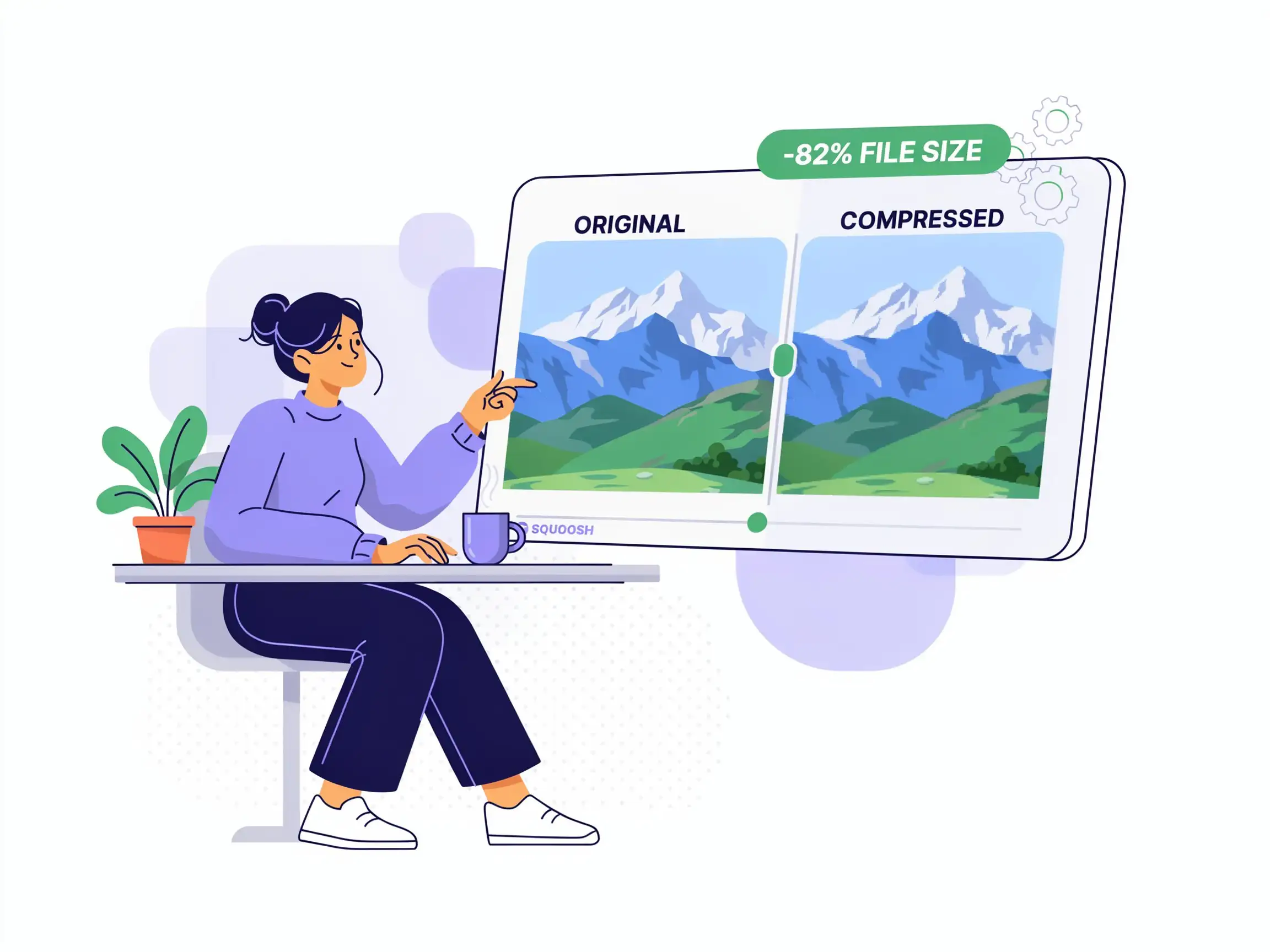
Image Compressor — High-Performance Engine
Compress JPEG, PNG, and WebP photos to 20KB, 50KB, or 100KB online for free without losing quality. MozJPEG rate-distortion with zero cloud uploads.
- Compress to Exact Target Sizes: 20KB, 50KB, 100KB & 200KB
- Lossless & Perceptual Compression (SSIM > 0.98 Sharpness)
- Bulk Batch Image Compressor with 1-Click ZIP Download
- Interactive 1:1 Split-Screen Comparison with 400% Zoom
- WebAssembly Codecs: MozJPEG, Google libwebp, OxiPNG & AVIF
- 0 Bytes Uploaded (100% Private In-Browser Device RAM)
Absolute Zero-Upload Confidentiality
Your files are processed strictly within your device RAM using WebAssembly. Zero cloud uploads.

How to use online: Image Compressor: Compress to 20KB, 50KB
Follow these 3 simple steps to process your documents directly in your browser with zero installations.
Why Multinook Outperforms Traditional Cloud Converters
See how client-side WebAssembly architecture compares to conventional cloud upload services.
Price
Processing
Size controls
Image preview
Batch export
File uploads
| Feature Comparison | Multinook (In-Browser RAM) | Squoosh |
|---|---|---|
| Price | Free ($0) | Free ($0) |
| Processing | On your device | On your device |
| Size controls | 20–200 KB targets | Format settings |
| Image preview | Before / after | Before / after |
| Batch export | Batch ZIP | Single image |
| File uploads | No server uploads | No server uploads |
Specifications & Format Compatibility
Engineered strictly to W3C WebAssembly and Typed Array specifications.
- Supported Input Formats
- JPEG, PNG, WebP, AVIF, GIF, BMP, SVG, TIFF
- Compression Engines
- MozJPEG Trellis Quantization, Google libwebp, Rust OxiPNG, libavif
- Perceptual Accuracy
- Quality depends on the selected mode and source image
- Data Transmission
- 0 Bytes Uploaded • 100% Client-Side WebAssembly RAM
- Target Size Presets
- < 20 KB, < 50 KB, < 100 KB, < 200 KB, Custom Byte Budget
- E-Commerce Presets
- Shopify / WooCommerce Optimized WebP under 200KB
- Pricing & Licensing
- Free Forever ($0) • No Account Required • Unlimited
Target Audience & Practical Use Cases
Who benefits most from this in-browser utility and when to deploy it.
Frequently Asked Questions
Everything you need to know about privacy, security, file limits, and usage.
Authoritative Standards & Technical Citations
Official industry specifications, web standards, and cryptographic references powering this engine.
Mozilla MozJPEG Optimization Project
Production-grade trellis quantization and progressive scan entropy coding reducing JPEG size by up to 15%.
OxiPNG Lossless PNG Compression Research
Multi-threaded PNG optimizer utilizing optimized DEFLATE algorithms to reduce byte size with zero visual loss.
W3C WebAssembly Core Specification
Binary instruction format enabling near-native code execution speeds for C/C++ codecs inside browsers.
The Science of In-Browser WebAssembly Image Compression
Traditional web-based image compression services rely on cloud server pipelines. When you upload a photograph to a legacy converter, your file travels across external networks, enters remote server queues, and gets processed by server-side scripts before returning a download link. This introduces latency, exposes sensitive user images to data breaches, and limits uploads with artificial file-size paywalls.
Multinook operates on a modern edge computing paradigm. Using client-side WebAssembly (WASM) compiled directly from high-performance C and Rust source code (including Mozilla MozJPEG, Google libwebp, and Rust OxiPNG), all compression algorithms run locally inside your device's physical memory. Your computer or mobile phone performs the mathematical discrete cosine transform (DCT) and entropy encoding directly in browser RAM, ensuring instantaneous execution, zero server costs, and complete privacy.
E-Commerce Speed & Conversions: Why 2MB Product Images Kill Store Revenue
In online retail, every 100 milliseconds of page latency directly erodes conversion rates. Research across top Shopify and WooCommerce merchants indicates that a 1-second delay in page load time reduces sales conversions by 7%, while 53% of mobile shoppers abandon product pages that take longer than 3 seconds to load. The single greatest driver of page bloat is unoptimized product imagery.
When a merchant uploads uncompressed 2MB to 4MB product images across a storefront, a page featuring 10 gallery photos forces visitors to download upwards of 30 megabytes over mobile cellular data. Google's Core Web Vitals algorithms penalize these slow storefronts with downgraded search rankings and poor Largest Contentful Paint (LCP) scores.
By bulk compressing product catalogs into next-generation WebP at 75% to 80% quality, merchants slash average image weight from 2MB down to under 150KB (an 85% to 90% reduction). Textures, fabrics, stitching, and product details remain impeccably sharp, while the store loads virtually instantaneously, dramatically improving customer retention, ad quality scores, and checkout completion.
Bulk Product Image Optimization Without Server Limits: The Client-Side Advantage
Managing e-commerce catalogs requires handling hundreds or thousands of product photos simultaneously, from lifestyle banners to multi-angle variant shots. Traditional SaaS compression tools monetize these catalogs aggressively by charging monthly subscriptions, capping free plans at 500 images per month, and restricting file uploads to 5MB per image. Furthermore, uploading gigabytes of unreleased product designs to external cloud servers introduces severe intellectual property and confidentiality risks.
Multinook eliminates these barriers entirely through browser-based edge computing. Powered by high-speed WebAssembly worker threads, our engine enables merchants to drop 50, 100, or 250 product photos at once into the batch queue. The entire workload executes locally inside device memory with zero server upload time, zero API quotas, and zero monthly fees.
Once processed, merchants can export the entire optimized catalog with a single click as an organized ZIP archive, ready for immediate import into Shopify, WooCommerce, Magento, BigCommerce, or Etsy.
MozJPEG vs. WebP vs. AVIF: Choosing the Ideal Next-Gen Codec
Selecting the right image codec is the single most critical step in optimizing web performance and visual fidelity. While standard JPEG has been the foundation of digital imagery for over three decades, modern codecs dramatically outperform basic linear quantization.
MozJPEG improves traditional JPEG by applying Trellis rate-distortion quantization, progressive scan optimization, and custom luminance quantization tables. It delivers 15% to 30% smaller files than standard JPEG while maintaining universal compatibility with every operating system, email client, and print shop on Earth.
WebP, developed by Google, uses predictive intra-frame coding derived from the VP8 video codec. It supports both lossy and lossless compression alongside 24-bit transparent alpha channels, producing files 30% to 45% smaller than comparable JPEGs. For modern websites seeking optimal Google Core Web Vitals (LCP) scores, WebP is the recommended default format.
AVIF (AV1 Image File Format) represents the cutting edge of open-source image encoding. Derived from the AV1 video standard, AVIF preserves incredible fine detail, high dynamic range (HDR), and wide color gamuts (P3/Rec.2020) at fractionally small byte sizes, making it ideal for next-generation web platforms.
How to Compress Images to Exact Target Sizes (200KB, 100KB, 50KB)
Government application portals, passport renewal forms, academic examination boards, and job application portals frequently impose strict maximum file size restrictions (most commonly 200 KB, 100 KB, or 50 KB). Attempting to achieve these targets manually through trial-and-error quality adjustments in generic image editors is tedious and often results in over-compressed, illegible photos.
Multinook's 'Target File Size' feature automates this process through an adaptive binary search algorithm. When you select a target size (such as '< 200 KB'), our WebAssembly engine tests candidate quantization factors in rapid succession inside browser RAM, converging within milliseconds on the highest mathematical quality score that strictly satisfies your chosen file size limit. Text on IDs remains razor-sharp, facial portraits remain crisp, and your upload is accepted on the first attempt.
Smart Anti-Inflation Auto-Guard: Why Traditional Converters Fail
A frequent defect observed in generic image compression tools occurs when processing pre-optimized images: re-encoding a 30KB photo often causes the file size to expand to 50KB or larger. This occurs because the browser dequantizes the input into raw uncompressed pixels, and naive re-encoding applies high-bitrate quantization headers.
Multinook solves this with an intelligent Anti-Inflation Auto-Guard. The engine continuously benchmarks the compressed output against the original input file weight. If a user-selected quality parameter causes the file size to expand, our engine automatically dials down high-frequency coefficients and tests alternative codec configurations, guaranteeing that the final output file is always smaller and more efficient than the original file.