
PDF & Documents
Merge, split, compress, and edit PDFs
PDF & Documents — All Tools
Compress PDF
Compress PDF and reduce PDF file size online for free up to 90%
Merge PDF
Combine multiple PDF files into one document online for free in seconds
PDF to Word
Convert PDF files into 100% editable Microsoft Word (.docx) documents with original formatting preserved 100% free
Word to PDF
Convert Microsoft Word (.docx, .doc) documents into high-fidelity PDF files with fonts & formatting preserved 100% free
JPG to PDF
Combine multiple JPG, PNG, and WebP photos into one clean PDF document 100% free with no watermark
PDF to Excel
Extract tables from PDF documents, bank statements & invoices into editable Excel (.xlsx) spreadsheets 100% free
Excel to PDF
Convert Excel spreadsheets (.xlsx, .xls) into print-ready A4 & landscape PDF tables with zero cut-off & 100% free
PDF to JPG
Convert PDF to JPG, JPEG or PNG in 300 DPI ultra-HD with zero quality loss, no watermark & 100% free
Split PDF
Extract specific pages, divide page ranges or separate multi-page PDF into single files 100% free with no watermark
Edit PDF
Edit existing text, fix typos with matching fonts, draw signatures & fill PDF forms 100% free with no watermark or sign-up
Protect PDF
Encrypt PDF documents with bank-grade 256-bit AES password protection, restrict printing & copying 100% free
Redact PDF
Permanently black out text in PDF, redact sensitive data, SSNs & wipe metadata 100% free with no watermark
Professional PDF Studio Without Subscriptions
Fast, private, and 100% in-browser RAM. Why pay $239/year for Adobe Acrobat Pro or deal with Smallpdf's 2-task daily limits? Merge, split, compress, and edit documents directly on your device CPU with zero waiting and zero cloud uploads.
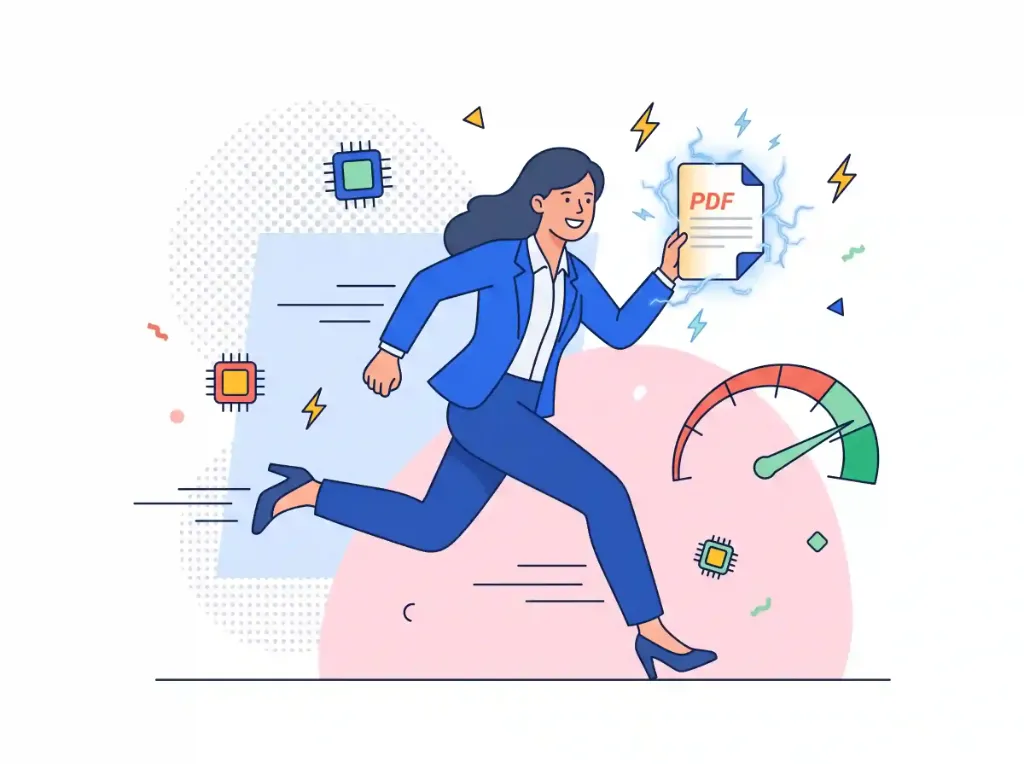
Instant In-Memory PDF Execution
Traditional web utilities force you to upload confidential files to remote servers and wait in line. Multinook compiles WebAssembly directly to your CPU threads, slicing, merging, and converting massive documents in milliseconds.

Total Document Privacy & Isolation
Your selected PDF contents are processed locally in your browser rather than uploaded to our servers. Local processing alone does not establish regulatory compliance.
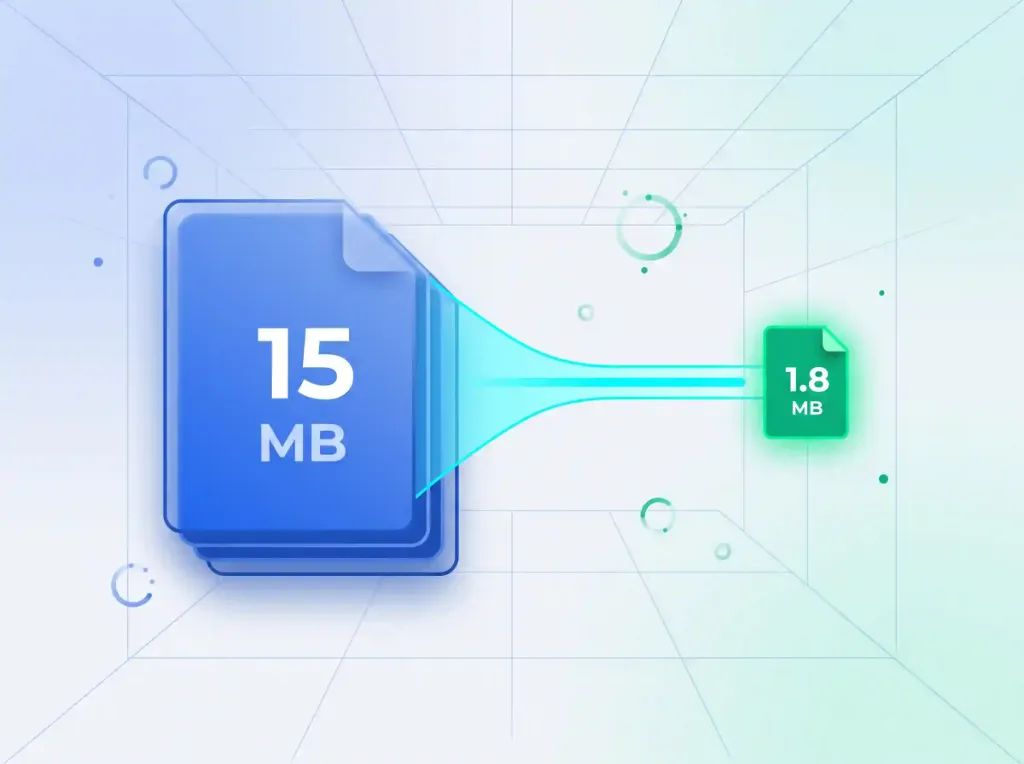
Crisp Vector Text & Compressed Streams
Compress multi-hundred-page PDFs up to 80% without blurry scans or degraded vector typography. MozJPEG-grade downsampling and stream deflation deliver pristine documents ready for government portals, courts, and email.
PDF & Documents Frequently Asked Questions
Everything you need to know about privacy, security, file limits, and usage.
Are my PDF files uploaded to external cloud servers?
Files selected for PDF processing stay on your device. The tools use browser-based libraries to read and transform documents without uploading their contents to a processing server.
Why is client-side PDF processing faster than cloud converters?
Local processing avoids the time needed to upload a document and retrieve a server-generated result. Actual speed depends on file complexity, the selected operation, browser support and your device.
Are there file size limits or daily task caps on PDF tools?
There are no daily task caps or paid file-size tiers. Available browser memory and device resources still limit the files that can be processed reliably; split very large documents into smaller batches if needed.
Do exported PDFs comply with international ISO standards?
The tools generate PDF files using established PDF libraries. Compatibility depends on the source document and operation; inspect important outputs in your intended PDF viewer before submitting or sharing them.
Can I convert PDFs to editable Word and Excel files without losing formatting?
PDF to Word and PDF to Excel attempt to reconstruct editable text and tables. Complex layouts, scans, fonts and merged cells can require manual corrections, so compare the exported file with your original.