

Multinook

JPG to PDF Converter — Combine Images to PDF

Combine multiple JPG, PNG, and WebP images into one clean PDF document

Initializing In-Browser RAM Sandbox...
JPG to PDF Converter — Combine Images to PDF — Technical Architecture & Specifications
High-Performance Engine

JPG to PDF Converter — Combine Images to PDF

Merge JPG, PNG, WebP, and AVIF photos into a clean PDF. Reorder pages, adjust orientation and margins in local browser RAM with zero server uploads.

Drag & drop visual reordering
Auto, Portrait & Landscape modes
No margin & normal margin presets
Fit to Image, A4 & US Letter sizing
100% Private in-browser RAM
Air-Gapped Data Privacy

Absolute Zero-Upload Confidentiality

Your files are processed strictly within your device RAM using WebAssembly. Zero cloud uploads.

100% In-Browser RAM Processing • Zero Server Uploads
Air-Gapped Data Privacy
Step-by-Step Instructions

How to use online: JPG to PDF Converter — Combine Images to PDF

Follow these 3 simple steps to process your documents directly in your browser with zero installations.

1

Add Your Images

Drag and drop JPG, PNG, WebP, or AVIF photos into the workspace or click Select Images.

2

Arrange & Customize Layout

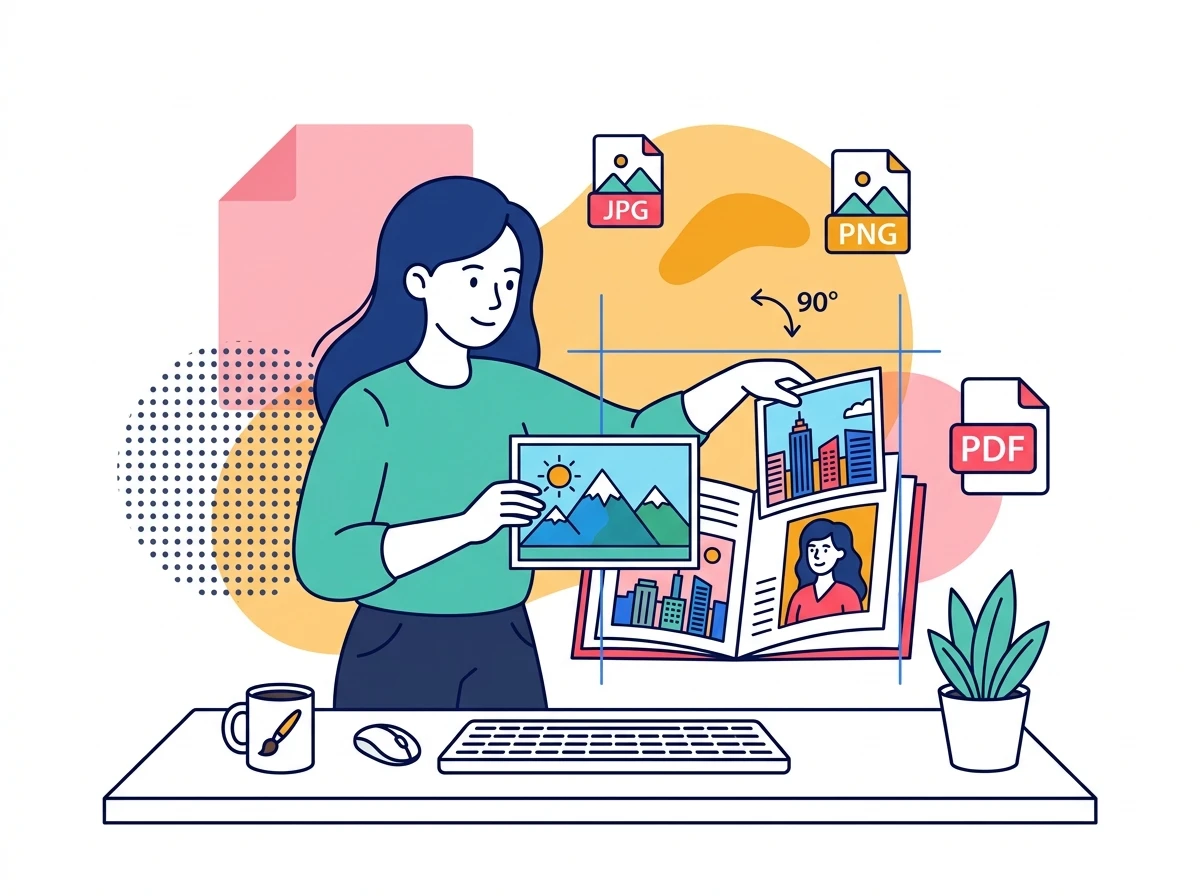
Drag image thumbnails to reorder pages, rotate sheets 90°, and choose orientation and margin presets.

3

Download Your Combined PDF

Click Convert to PDF. Your high-resolution PDF document compiles instantly in device RAM for immediate download.

Privacy & Performance Benchmark

Why Multinook Outperforms Traditional Cloud Converters

See how client-side WebAssembly architecture compares to conventional cloud upload services.

Cost & Subscription

Multinook
100% Free Forever ($0)
iLovePDF / Adobe
$239/yr (Adobe Pro)

Image Quantity Limits

Multinook
Unlimited In-Memory
iLovePDF / Adobe
Capped at 20 (Free)

Data Privacy & Cloud

Multinook
0 Bytes Upload (Local RAM)
iLovePDF / Adobe
Remote Cloud Upload

Supported Image Types

Multinook
JPG, PNG, WebP, AVIF
iLovePDF / Adobe
JPG/PNG Only

Watermarks & Branding

Multinook
Zero Watermarks
iLovePDF / Adobe
Branded Watermark
Technical Architecture & Specifications

Specifications & Format Compatibility

Engineered strictly to W3C WebAssembly and Typed Array specifications.

Engine Technologypdf-lib WebAssembly + HTML5 Offscreen Canvas
Supported FormatsJPG, JPEG, PNG, WebP, AVIF, BMP
Page OrientationsAuto-Detect, Strict Portrait, Strict Landscape
Page Size PresetsFit to Original Image, ISO A4, US Letter
Margin TolerancesFull Bleed (0pt), Compact (18pt), Normal (36pt)
Data Transmission0 Bytes Uploaded • 100% Air-Gapped Browser RAM
Common Inquiries

Frequently Asked Questions

Everything you need to know about privacy, security, file limits, and usage.

Drop all your JPG or PNG images simultaneously into the visual workspace. Drag and drop the thumbnail cards to rearrange them into your preferred page order, select your desired page size (A4, Letter, or Fit), and click Convert to PDF. The tool compiles all photos into a single PDF document in seconds with zero software installation.
No. Unlike legacy cloud converters that compress images aggressively to save server bandwidth, our in-browser compilation embeds your authentic image byte stream directly into the PDF container. Full pixel resolution and color fidelity are preserved with zero downsampling.
Yes. Our tool universally supports JPG, JPEG, PNG, modern WebP, and next-generation AVIF images. All formats are decoded seamlessly in local browser memory and embedded into clean, standard-compliant PDF pages.
Use the interactive toolbar above the image queue: select 'Auto' to let each page match the natural aspect ratio of its image, or force 'Portrait' or 'Landscape' for document consistency. Set margins to 'No Margin' for edge-to-edge full bleed printing.
Yes, 100% safe. Every step of the image processing and PDF compilation occurs entirely inside your device browser RAM. Your photos, documents, and personal IDs are never transmitted over the internet or saved to external servers.

High-Fidelity Image to PDF Compilation Inside Your Browser

Traditional web converters upload your photos to remote servers, convert them using server-side batch utilities, and force you to download them back over the internet. This exposes personal identity cards, medical scans, and private photographs to third-party server logging and data leak vulnerabilities.

Multinook uses client-side WebAssembly and HTML5 Canvas technology to embed image byte streams directly into a clean ISO 32000-1 PDF document structure inside your device browser memory. This eliminates internet upload latency, bypasses server bandwidth limits, and guarantees complete air-gapped confidentiality.

Verified 100% In-Browser RAM Security
Updated for 2026 Web Standards