
Merge PDF Files Online: Free & Fast
Combine multiple PDF files into one document online for free in seconds
Initializing In-Browser RAM Sandbox...
Processing in local RAM...
Quick Summary & Key Takeaways
Essential insights, performance capabilities, and privacy assurances at a glance.
A PDF Merger is an in-browser document compilation engine that combines multiple independent PDF files, chapters, or scanned records into a single continuous document, allowing custom thumbnail drag-and-drop reordering and sheet rotation directly within local browser memory without server uploads.
To merge PDF files into one document online for free, drop files into the visual workspace, drag and drop page thumbnails into your desired sequence, rotate sheets if necessary, and click Download. Client-side WebAssembly concatenates byte streams directly inside your browser RAM on Mac, Windows, iPhone, or Android with zero file size limits, zero watermarks, no email sign-up, and no cloud uploads.
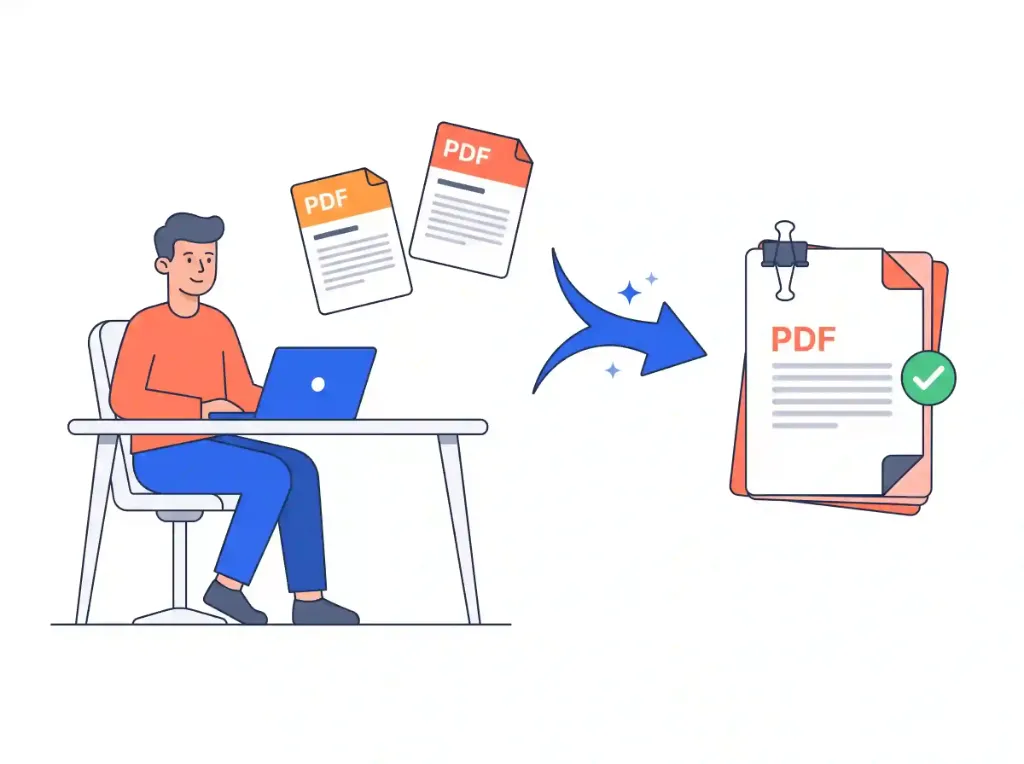
Merge PDF — High-Performance Engine
Merge PDF files online for free. Combine multiple PDFs into one document in your browser with zero file size limits, no sign-up, and 100% privacy.
- Drag & drop page reordering
- Single-page 90° rotation
- Zero file size or page limits
- 100% Private local RAM processing
Absolute Zero-Upload Confidentiality
Your files are processed strictly within your device RAM using WebAssembly. Zero cloud uploads.

How to use online: Merge PDF Files Online: Free & Fast
Follow these 3 simple steps to process your documents directly in your browser with zero installations.
Why Multinook Outperforms Traditional Cloud Converters
See how client-side WebAssembly architecture compares to conventional cloud upload services.
Price
File processing
Page reordering
Installation
File transfer
Document tools
| Feature Comparison | Multinook (In-Browser RAM) | Smallpdf |
|---|---|---|
| Price | Free | Free / Pro plans |
| File processing | On your device | Cloud upload |
| Page reordering | Visual thumbnails | Visual thumbnails |
| Installation | None required | None required |
| File transfer | No file upload | TLS encrypted upload |
| Document tools | PDF workflow tools | PDF workflow tools |
Specifications & Format Compatibility
Engineered strictly to W3C WebAssembly and Typed Array specifications.
- Synthesis Engine
- PDF-Lib In-Memory WebAssembly Vector Stream Fusion
- Page & Size Capacity
- Unlimited (100MB+ & 500+ Pages Hardware RAM Bound)
- Visual Reordering
- Interactive Drag-and-Drop + 90°/180°/270° Sheet Rotation
- Network Data Transmission
- 0 Bytes Uploaded • 100% Air-Gapped Local Device RAM
- Vector & Link Integrity
- Bit-for-Bit Stream Duplication (Zero Rasterization)
- Licensing & Access
- Free Forever ($0) • No Account / No Credit Card Required
Target Audience & Practical Use Cases
Who benefits most from this in-browser utility and when to deploy it.
Frequently Asked Questions
Everything you need to know about privacy, security, file limits, and usage.
Authoritative Standards & Technical Citations
Official industry specifications, web standards, and cryptographic references powering this engine.
ISO 32000-1:2008 Document Management: Portable Document Format
Defines the structural cross-reference stream specifications and page tree concatenation protocols for PDF files.
PDF-Lib Binary Splicing Architecture
Client-side library specifications for memory-mapped byte buffer manipulation and page stream cloning.
W3C WebAssembly SIMD Specification
Web standard for 128-bit vector parallel instruction execution in modern browser JavaScript runtimes.
High-Performance In-Memory PDF Stream Concatenation & WebAssembly Synthesis
Combining multiple PDF documents requires structural precision beyond simple binary concatenation. Each independent PDF file maintains its own document Catalog, Pages tree hierarchy, indirect Object dictionary (/ObjStm), cross-reference table (XRef), and embedded font descriptors.
MultiNook utilizes low-level WebAssembly memory-mapping to parse the structural dictionaries of every input document directly within your browser RAM. Our engine sequentially re-indexes all indirect object reference IDs, collates the /Pages node trees into a unified linear hierarchy, and deduplicates font tables to prevent unnecessary file bloat.
Because all byte-level manipulation executes locally on your CPU threads, page reordering, 90-degree single-sheet rotation, and document merging complete in milliseconds with zero network upload latency.
Air-Gapped Zero-Cloud Architecture for Legal, Healthcare & Corporate Mergers
Combining contracts, financial records or medical documents can bring sensitive information into a single file. Local merging avoids uploading those source documents to a processing server. Inspect the combined file and apply the access, storage and sharing controls required for its contents.
Our tool guarantees complete zero-knowledge security. Document byte streams never leave your device network perimeter. The moment you finish your download and close the browser tab, all allocated memory buffers are immediately purged by the browser garbage collector.
Cross-Platform Universal Workflow: Merging PDFs on Mac, Windows 11, iOS & Android
Whether you need to combine legal exhibits on macOS, assemble quarterly financial statements on Windows 11, or merge scanned receipts on your iPhone or Android device, MultiNook provides a seamless cross-platform experience without software installations.
Our browser-first architecture supports one-click cloud imports from Google Drive and Dropbox, making it easy to pull files from cloud storage, arrange pages in custom reading order, and save your combined document instantly with zero quality loss.