
Image & AI Tools
Compress, remove background, convert photos
Image & AI Tools — All Tools
Remove Background
Remove image background in 4K HD, make transparent PNG & change background to blue or white 100% free
HEIC to JPG
Convert Apple iPhone HEIC & HEIF photos into universal JPGs on Windows & Mac 100% free with no watermark
Image Compressor
Compress JPG, PNG, WebP & AVIF images to exact 20KB, 50KB, 100KB, 200KB without losing quality 100% free
Convert Images
Convert WebP, AVIF, PNG, JPG, BMP, TIFF, and ICO in browser RAM with zero quality loss and no limits
Erase Objects
Erase photobombers, unwanted people, watermarks, text, wires and blemishes with AI texture inpainting in browser RAM
Vectorize Image
Turn bitmap PNG, JPG, and WebP into crisp infinite-scale SVG vector curves with Schneider Bezier curve fitting in browser RAM
Purge Metadata
Strip GPS coordinates, camera serials, timestamps, and IPTC/XMP data with zero re-encoding and SSIM 1.000 in browser RAM
Studio-Grade Image & AI Vision Suite
Supercharge your graphic workflows with client-side AI. Say goodbye to TinyPNG's 5MB upload caps, CloudConvert queue delays, and remove.bg's paid HD download credits. Compress, convert, and isolate backgrounds with zero quality loss.
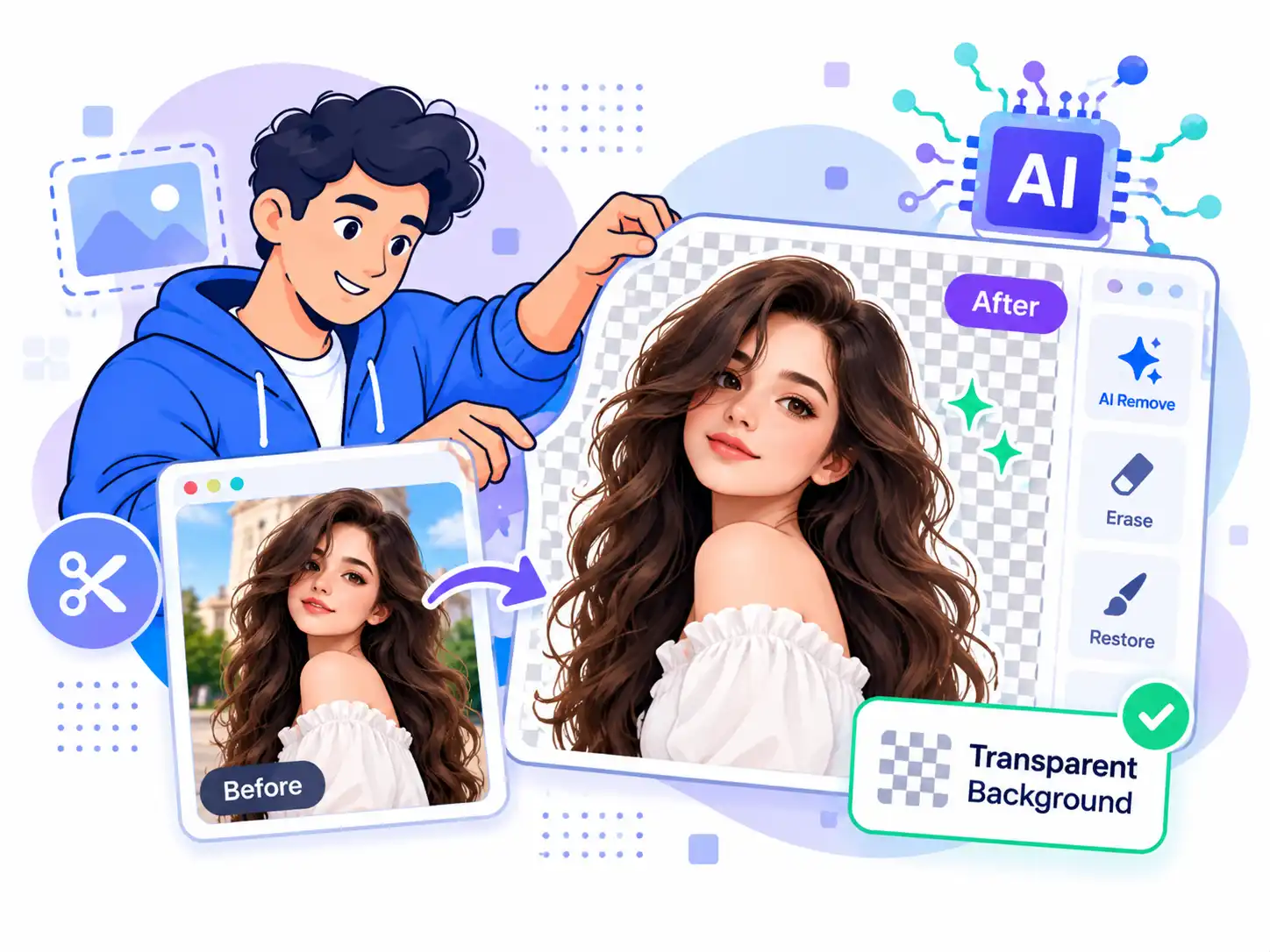
Client-Side 4K AI Background Removal
Legacy tools charge monthly credits or downsample cutouts to low resolution. Our in-browser WebGPU neural networks isolate subjects with hair-level precision at full 4K clarity directly on your graphics hardware.
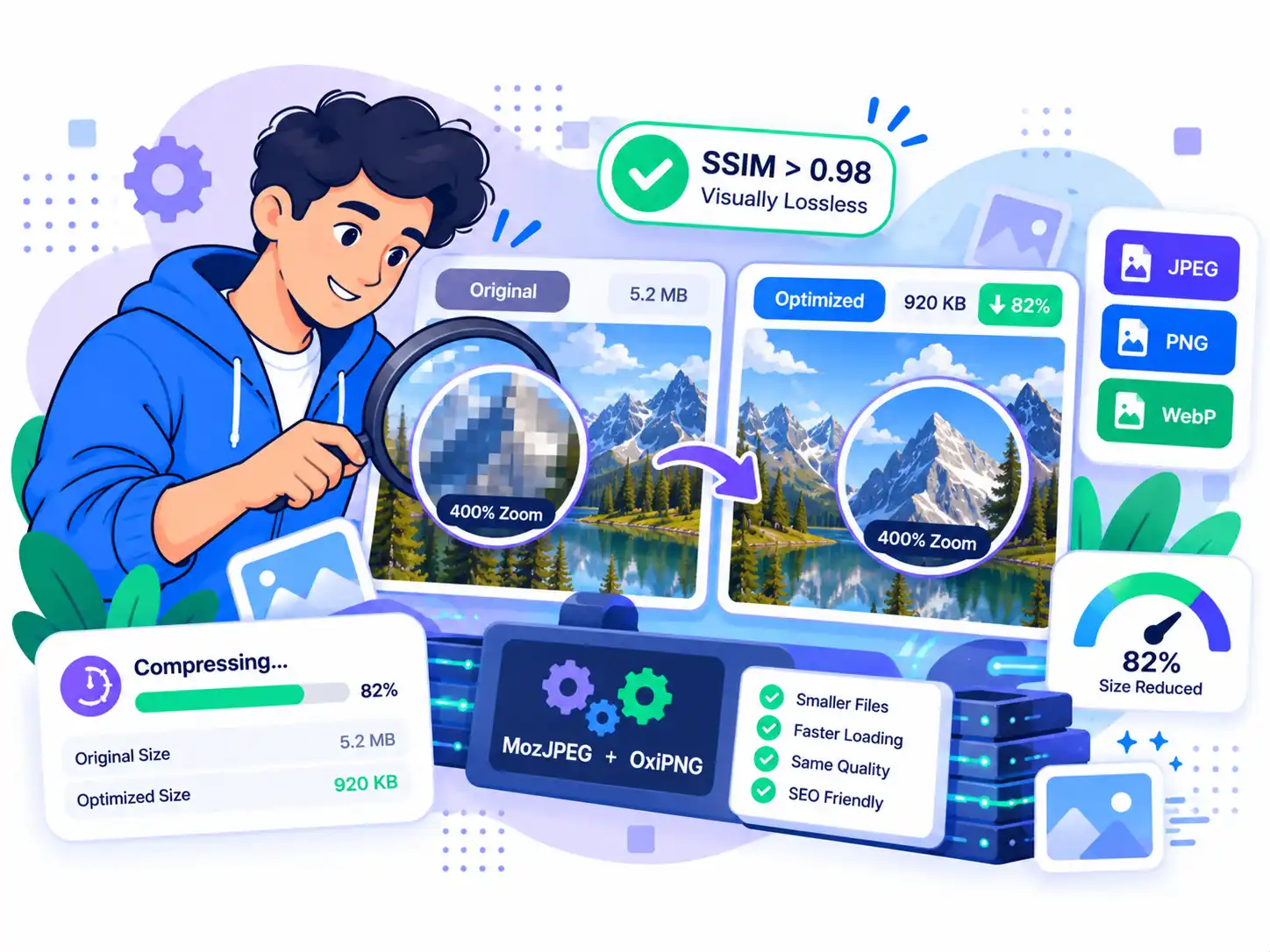
MozJPEG & OxiPNG Vector Optimization
Interactive dual-canvas split slider provides 400% zoom comparison while cutting file sizes by up to 80%. Batch convert hundreds of iPhone HEIC photos into universally compatible JPGs with complete EXIF data preservation.
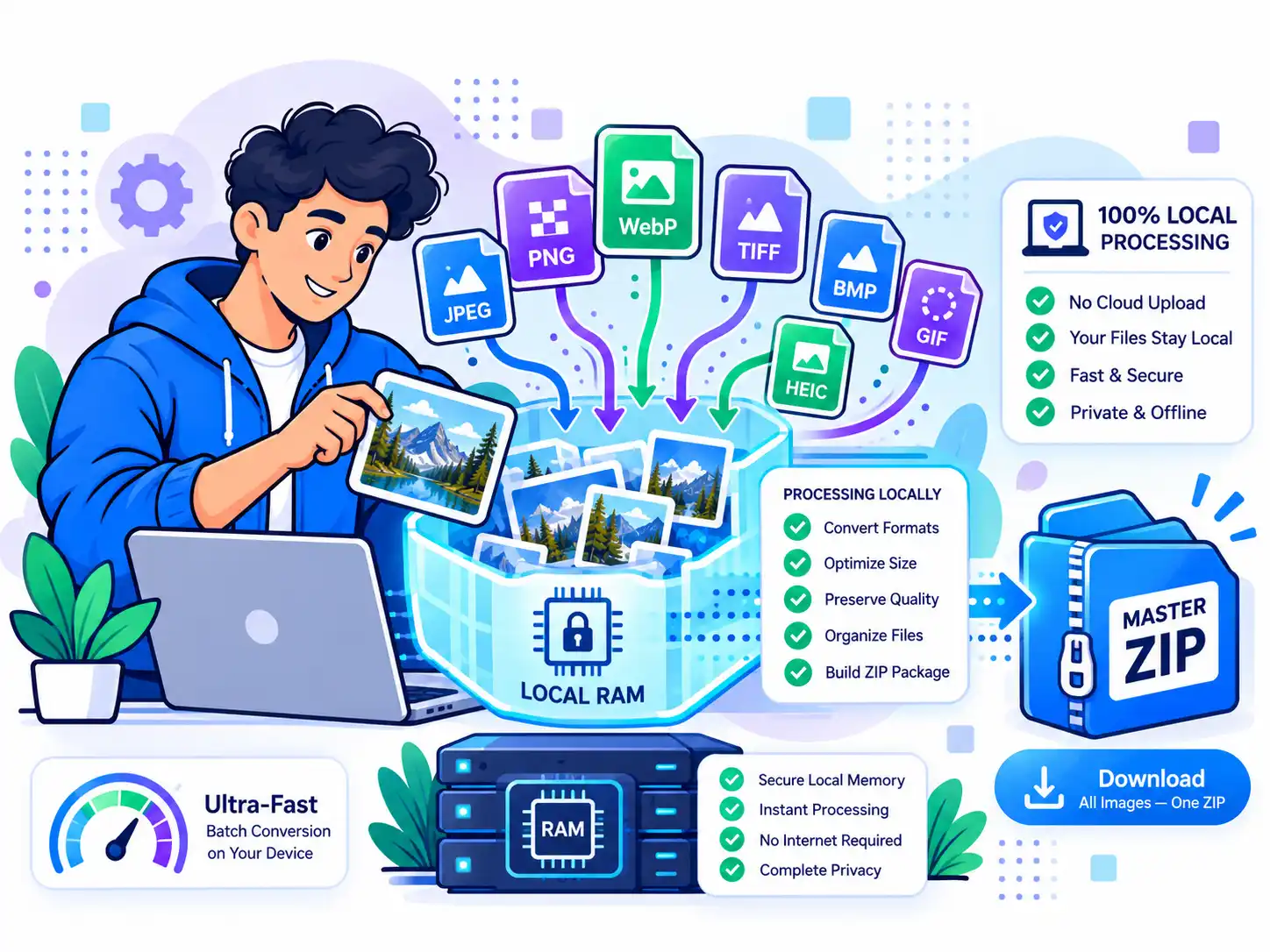
Universal Matrix Format Conversion
Batch convert across modern WebP, AVIF, PNG, JPEG, and SVG formats instantly. Your private photo galleries and confidential product designs remain strictly protected in local device memory.
Image & AI Tools Frequently Asked Questions
Everything you need to know about privacy, security, file limits, and usage.
How does AI background removal work without sending photos to a server?
The background remover downloads its AI model and processes selected images in your browser. Your photos are not uploaded for inference. Model loading, processing time and supported acceleration depend on your browser and device.
Can I batch convert Apple iPhone HEIC photos on Windows and Android?
The HEIC converter decodes supported HEIC and HEIF images in your browser and exports JPG or PNG. Support can vary with the source encoding and available memory; try a smaller batch if a large photo collection fails.
Does image compression degrade photo sharpness or color accuracy?
Lossy compression can change fine details and colors; lossless options preserve pixel data where supported. Compare the preview and original at your chosen quality setting before keeping a compressed result.
Does the EXIF metadata purger protect my privacy before posting photos online?
Yes. The metadata purger performs binary segment slicing to permanently strip GPS location coordinates, camera serial numbers, and creation timestamps without re-encoding pixels (100% lossless), keeping your home address and identity private.
Can I convert raster PNG and JPG logos into scalable vector SVG files?
Yes. Our client-side SVG Vectorizer clusters color palettes and traces smooth cubic Bezier splines in browser RAM, turning pixelated bitmaps into infinitely scalable vector graphics ready for Figma, Illustrator, and web publishing.