
Bulk Barcode Sheet Generator & Label Studio
Generate bulk barcodes from Excel, CSV, or serial sequences with Avery print sheet layouts
Initializing In-Browser RAM Sandbox...
Processing in local RAM...
Quick Summary & Key Takeaways
Essential insights, performance capabilities, and privacy assurances at a glance.
A Bulk Barcode Sheet Generator & Label Studio is an enterprise client-side barcoding application that converts tabular spreadsheets (Excel, CSV) and serial number sequences into standardized 1D linear barcodes (ISO/IEC 15417 Code 128, GS1 EAN-13, UPC-A, Code 39, ITF-14). It arranges barcode stickers onto standardized label templates (Avery 5160, 5163, L7160) and thermal continuous rolls (4x6, 2x1) with GS1 Mod-10 check-digit validation, customizable product titles, price tags, quantity multipliers, and vector PDF/ZIP export.
To generate bulk barcodes online for free without software, upload an Excel (.xlsx) or CSV file or create a sequential number series in Multinook Barcode Generator. Choose your symbology (Code 128, EAN-13, UPC-A, Code 39, ITF-14), select an Avery label template (5160, 5163, 5167, L7160) or thermal roll size (4x6, 2x1), and export a print-ready vector PDF sheet, direct print with zero alignment shift, or download a master ZIP of 300 DPI PNGs in local browser RAM.
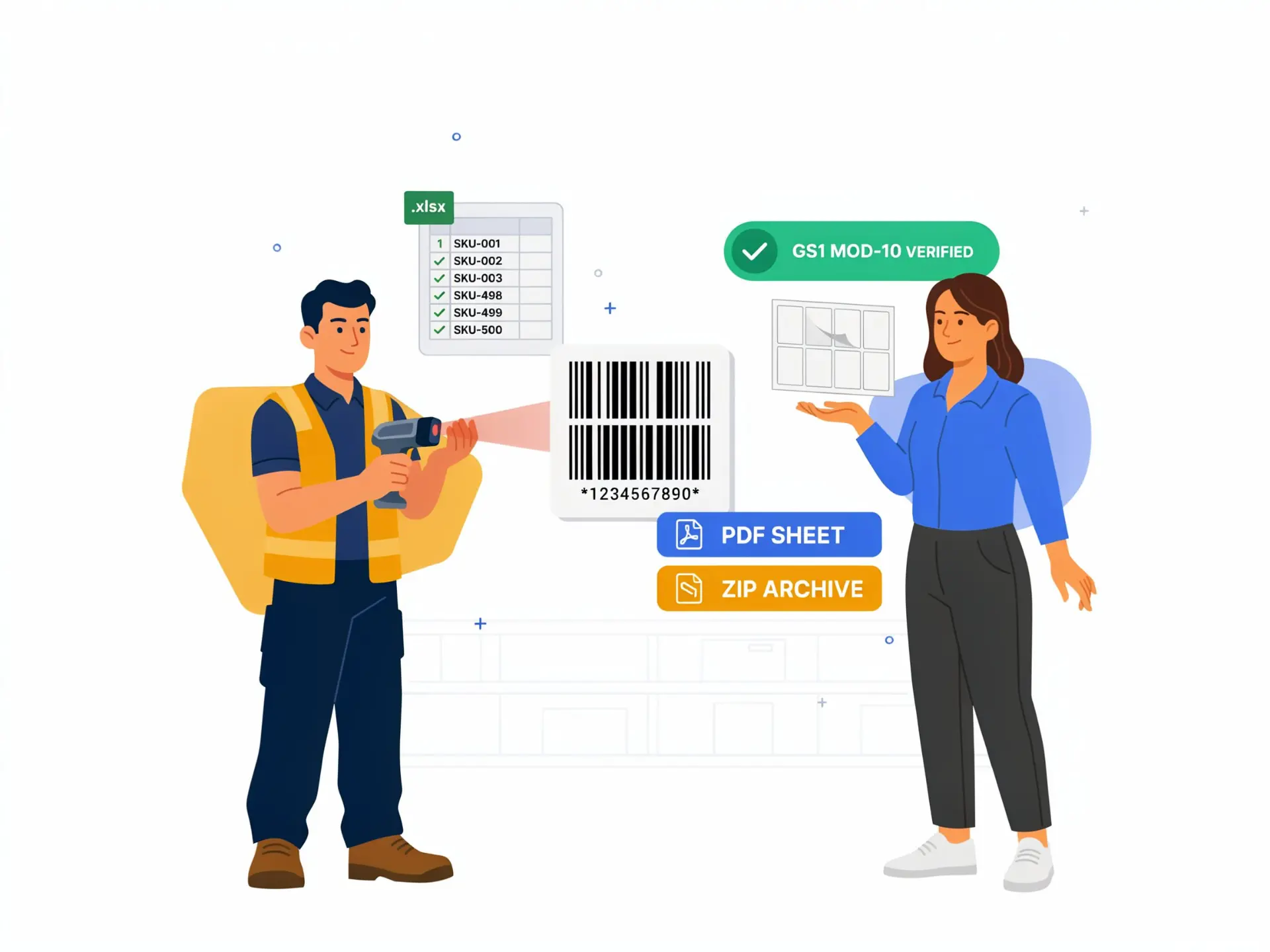
Bulk Barcode Studio — High-Performance Engine
Generate bulk barcode labels online free from Excel or CSV. Create Code 128, EAN-13, and UPC-A Avery sheets or PDF/ZIP in browser RAM with zero uploads.
- Bulk Excel (.xlsx, .xls) and CSV file ingestion with auto-detected SKU, Product Title, Price ($/€), and Quantity multiplier columns
- Automated GS1 Mod-10 check-digit calculation with 1-click auto-repair for EAN-13, UPC-A, and ITF-14 barcodes
- Standard Avery label sheet presets (Avery 5160 30-up, 5163 10-up, 5167 80-up, European A4 L7160/L7163) and continuous thermal roll presets (4x6, 2.25x1.25, 3x1)
- Interactive starting offset paper-saver selector allowing users to reuse partially peeled label sheets by skipping spent cells
- Multi-channel export: millimeter-calibrated vector PDF sheets via pdf-lib, direct browser print with zero dialog shift, and master ZIP archives with 300 DPI PNGs and SVGs
How to use online: Bulk Barcode Sheet Generator & Label Studio
Follow these 3 simple steps to process your documents directly in your browser with zero installations.
Specifications & Format Compatibility
Engineered strictly to W3C WebAssembly and Typed Array specifications.
- Supported Symbologies
- Code 128 (A/B/C), EAN-13, UPC-A, Code 39, ITF-14, Codabar, MSI, Pharmacode
- Label Sheet Templates
- Avery 5160, 5163, 5167, L7160, L7163, Thermal 4x6", 2.25x1.25", 3x1", 2x1"
- Data Input Support
- Excel (.xlsx, .xls), CSV, Serial Sequence Maker, Line Paste
- Export Deliverables
- Vector PDF (pdf-lib 300+ DPI), Direct Browser Print, Master ZIP (PNG/SVG)
- Privacy Sandbox
- 100% Client-Side Browser RAM • 0 Bytes Network Upload
- Commercial Licensing
- Free Forever • No Credit Card • No Signup Required
Target Audience & Practical Use Cases
Who benefits most from this in-browser utility and when to deploy it.
Frequently Asked Questions
Everything you need to know about privacy, security, file limits, and usage.
Authoritative Standards & Technical Citations
Official industry specifications, web standards, and cryptographic references powering this engine.
ISO/IEC 15417:2007 Information Technology (Automatic Identification and Data Capture Techniques) Code 128 Bar Code Symbology Specification
The normative international standard specifying Code 128 character sets A, B, and C, start/stop patterns, and modulo 103 checksum calculation.
GS1 General Specifications Standard for Barcodes and Identification Keys
The authoritative worldwide standard defining EAN-13, UPC-A, ITF-14, and GS1-128 symbology structures, quiet zones, and Modulo 10 check-digit formulas.
Avery Dennison Product Specification Guide for Standard Letter & A4 Sheet Labels
Standard dimensional specifications for Avery 5160, 5163, 5167, and European L7160 die-cut label sheets.
Universal Symbology Standards: Code 128, GS1-128, EAN-13, UPC-A & Modulo Checksum Verification
Linear 1D barcodes remain the foundational backbone of global commerce, supply chain logistics, retail checkout, and warehouse automation. Multinook's Enterprise Barcode Generator incorporates an intelligent, multi-symbology rendering engine supporting eight international industrial standards: Code 128 (Auto Subsets A, B, and C) for alphanumeric asset tagging and shipping containers; EAN-13 (GTIN-13) for worldwide retail goods; UPC-A (GTIN-12) for North American point-of-sale checkout; Code 39 (3 of 9) for aerospace, defense (MIL-STD-130), and healthcare; ITF-14 (Interleaved 2 of 5) with bearer bars for corrugated shipping cartons; Codabar (NW-7) for blood banks and libraries; MSI Plessey for warehouse inventory shelves; and Pharmacode for pharmaceutical packaging inspection.
A primary challenge when switching between barcode standards is input validation failure. To guarantee a 100% successful generation rate, our engine features a real-time Universal Symbology Auto-Adaptation Engine. When you transition an existing code from alphanumeric Code 128 to numeric EAN-13 or ITF-14, the engine automatically extracts numeric digits, strips invalid characters, pads leading zeros to the requisite length (12 or 14 digits), and computes the official GS1 Modulo-10 checksum digit via alternating 3x and 1x weighted summation. Instead of throwing cryptic rendering errors, the workspace repairs the check digit with a single click.
Enterprise Bulk Ingestion: Multi-Column Excel (.xlsx) & CSV Batch Processing in Local RAM
Generating barcodes individually for large product catalogs is prohibitively slow and error-prone. Multinook includes an enterprise-grade Bulk Spreadsheet Ingestion Engine capable of processing 1,000+ barcode records in under 300 milliseconds. Users can upload standard Microsoft Excel spreadsheets (.xlsx, .xls) or comma-separated value files (.csv), or generate automated sequential serial number ranges (e.g. SKU-0001 through SKU-1000) with custom prefixes, suffixes, and padding.
Upon spreadsheet upload, our smart column mapper automatically identifies candidate barcode fields (such as Barcode, SKU, UPC, GTIN, or Part Number) alongside optional secondary text columns (such as Product Name, Price, or Department). The entire batch is previewed in a responsive, searchable grid where individual symbology overrides, check-digit statuses, and label layouts can be customized before bulk rendering.
Print-Ready Avery Sheet Layouts & Paper-Saver Starting Label Offset
Printing barcodes onto commercial adhesive sticker paper frequently suffers from alignment drift, where printer margins cause barcodes to cross perforated sticker borders. Multinook eliminates alignment discrepancies by implementing millimeter-accurate vector layouts for standard commercial label templates: Avery 5160 / 5960 (30 labels per US Letter sheet, 1 x 2-5/8 in), Avery 5163 (10 shipping labels, 2 x 4 in), Avery 5167 (80 return address labels, 1/2 x 1-3/4 in), European A4 Avery L7160 (21 labels, 63.5 x 38.1 mm), European A4 Avery L7163 (14 labels, 99.1 x 38.1 mm), and Continuous Thermal Rolls (4 x 6 in shipping, 2.25 x 1.25 in barcode, and 2 x 1 in retail tags).
To prevent paper waste, our interactive Paper-Saver Starting Offset feature allows users to click on any grid cell to specify where printing begins. If you have an Avery sheet with the top 7 stickers already peeled, you can set the starting index to label 8, ensuring previously discarded partial label sheets are utilized down to the final sticker.
Client-Side Zero-Cloud Architecture vs. Recurring SaaS Subscription Paywalls
Proprietary cloud barcode services frequently charge between $60 and $240 per year for basic spreadsheet exports, imposing monthly scan quotas and tracking uploaded inventory catalogs. Furthermore, uploading confidential corporate stock lists, proprietary SKU numbering formulas, and pre-release product pricing to third-party cloud servers poses severe intellectual property and supply chain privacy risks.
Multinook operates under a strict Zero-Server Client Sandbox Architecture. All spreadsheet parsing, GS1 checksum computations, vector SVG generation, canvas rasterization, Avery PDF page layout compilation (pdf-lib), and ZIP compression (JSZip) execute 100% within your client browser's volatile memory. Zero bytes of inventory or customer data ever touch an external server, providing unlimited, permanent, and private commercial barcode generation completely free.