
Protect PDF Online: Password & AES-256
Encrypt PDF documents with bank-grade 256-bit AES password protection, restrict printing & copying 100% free
Initializing In-Browser RAM Sandbox...
Processing in local RAM...
Quick Summary & Key Takeaways
Essential insights, performance capabilities, and privacy assurances at a glance.
A PDF Encryptor is a cryptographic security utility that applies 256-Bit AES (Advanced Encryption Standard) encryption to PDF documents using standard PBKDF2 key derivation directly in client memory to block unauthorized viewing, printing, copying, or modifying without uploading data to cloud servers.
To password protect and encrypt a PDF with 256-bit AES online for free without Adobe Acrobat, upload your PDF document into our browser encryption workspace, set your user open password and optional owner master permissions, toggle restrictions to prevent printing or text copying, and click Encrypt. Bank-grade cryptographic algorithms secure your file entirely in local browser RAM with zero file uploads, no watermarks, and no sign-up.
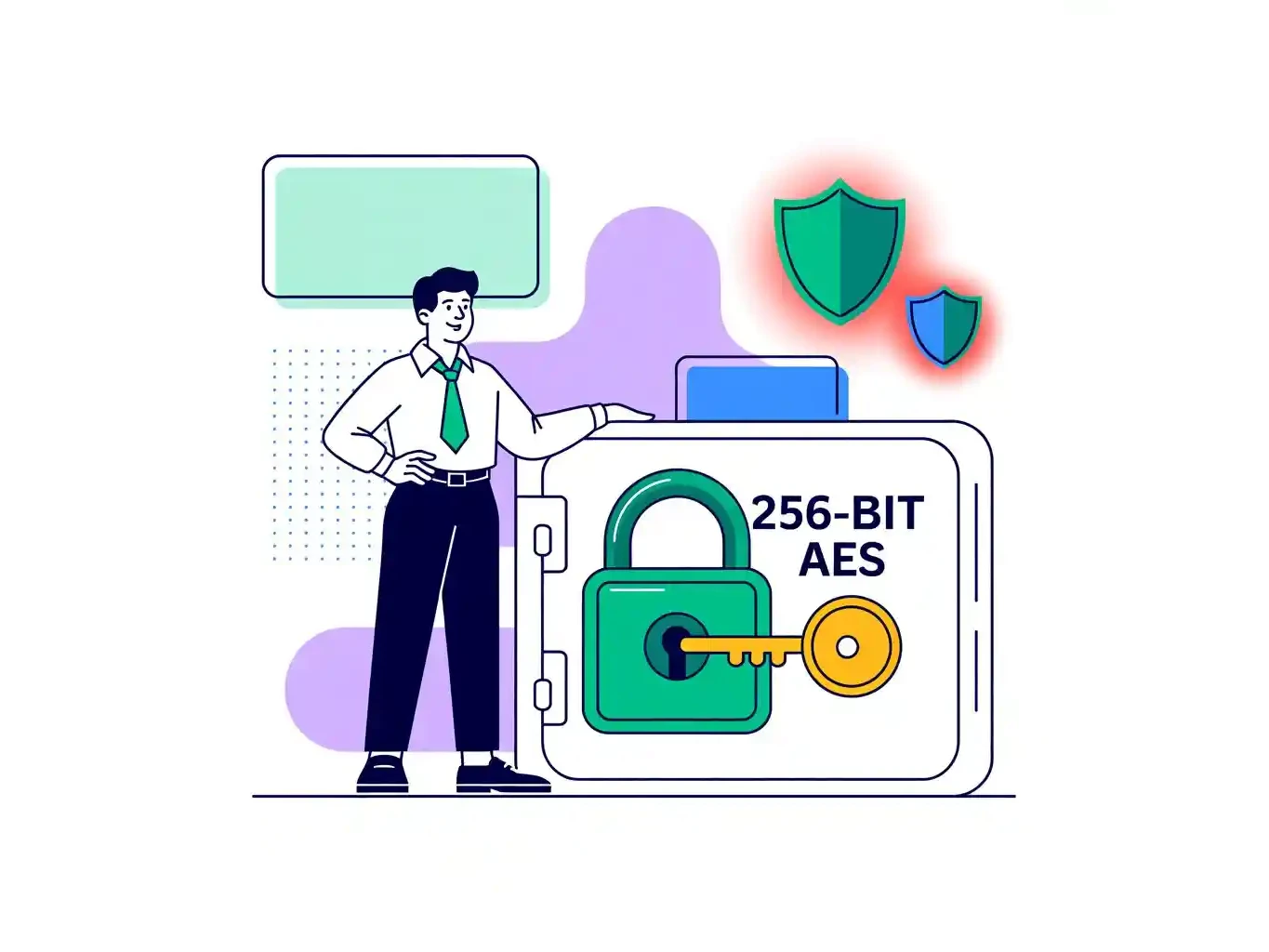
Protect PDF — High-Performance Engine
Encrypt and password protect PDF files online with military-grade AES-256 security. Run 100% locally in your browser with zero cloud server uploads.
- Bank-Grade 256-Bit AES Encryption
- User Open & Owner Permissions Passwords
- Restrict Printing, Text Copying & Editing
- Real-Time Password Strength Entropy Meter
- 0 Bytes Uploaded (100% Private In-Browser RAM)
- Free Forever Without Watermarks, Ads or Sign-Up
Absolute Zero-Upload Confidentiality
Your files are processed strictly within your device RAM using WebAssembly. Zero cloud uploads.

How to use online: Protect PDF Online: Password & AES-256
Follow these 3 simple steps to process your documents directly in your browser with zero installations.
Specifications & Format Compatibility
Engineered strictly to W3C WebAssembly and Typed Array specifications.
- Cipher Algorithm
- 256-Bit AES (Advanced Encryption Standard, ISO 32000-2 Rev 6)
- Key Derivation
- Standard PBKDF2 with Cryptographic Salt Generation
- Permission Levels
- Print Restrict (High/Low/None), Copy Block, Modify Lock
- Data Transmission
- 0 Bytes Uploaded • 100% Client-Side RAM Sandbox
- Reader Compatibility
- Universal (Adobe Acrobat, Chrome, Preview, Foxit, Edge)
- Pricing & Licensing
- Free Forever ($0) • No Account Required • Unlimited
Target Audience & Practical Use Cases
Who benefits most from this in-browser utility and when to deploy it.
Frequently Asked Questions
Everything you need to know about privacy, security, file limits, and usage.
Authoritative Standards & Technical Citations
Official industry specifications, web standards, and cryptographic references powering this engine.
NIST FIPS 197 Advanced Encryption Standard (AES)
Federal Information Processing Standard defining 256-bit symmetric block cipher cryptography.
ISO 32000-2 Section 7.6 Encryption Dictionaries
Specifies standard security handlers, permission flag bitmasks, and PBKDF2 key derivation for PDF documents.
W3C Web Cryptography API Recommendation
Standard interface for performing cryptographic operations directly within client browser environments.
Cryptographic Architecture of 256-Bit AES PDF Protection
Modern document privacy requires cryptographic defenses capable of resisting supercomputer brute-force dictionary attacks. Older 40-bit and 128-bit RC4 encryption standards deployed in early PDF specifications are trivially compromised within minutes using automated hash-cracking tools.
Our tool implements standard 256-bit AES (Advanced Encryption Standard) encryption as specified by ISO 32000-2 Revision 6. Cryptographic encryption keys are derived through iterative PBKDF2 hashing with unique random initialization vectors and cryptographic salts. Both the primary cross-reference object stream and embedded binary media streams are encrypted, while the top-level document catalog maintains structural compliance across all compliant PDF viewers worldwide.
Preventing Corporate Data Leaks with Granular Permission Handlers
When sharing confidential quarterly earnings, employee payroll records, or sensitive patient files, restricting view access is only half the battle. Unauthorized recipients can easily highlight, copy, and repurpose confidential text or print physical copies for unauthorized dissemination.
By setting independent User and Owner passwords, our tool enforces granular PDF security flags. You can selectively disallow text and image copying, forbid page insertion or extraction, and restrict printing to low-resolution watermarked modes without requiring expensive enterprise PDF software subscriptions.