
HEIC to JPG Converter: Convert iPhone Photos
Convert Apple iPhone HEIC & HEIF photos into universal JPGs on Windows & Mac 100% free with no watermark
Initializing In-Browser RAM Sandbox...
Processing in local RAM...
Quick Summary & Key Takeaways
Essential insights, performance capabilities, and privacy assurances at a glance.
An Apple HEIC to JPG Converter is a client-side batch decoder powered by libheif WebAssembly that converts iPhone High Efficiency Image Container photos into universally compatible JPEG files while retaining full camera EXIF metadata, timestamps, and 48MP sensor resolution without uploading data to cloud servers.
To convert Apple iPhone HEIC and HEIF photos to standard JPG format for free online without uploading to external servers or installing software on Windows or Mac, drag and drop your .heic images into our in-browser converter, adjust output quality, and click Download. Powered by client-side libheif WebAssembly, the engine decodes photos locally in browser RAM, preserving original 48MP resolution and EXIF camera metadata with zero watermarks and no file limits.
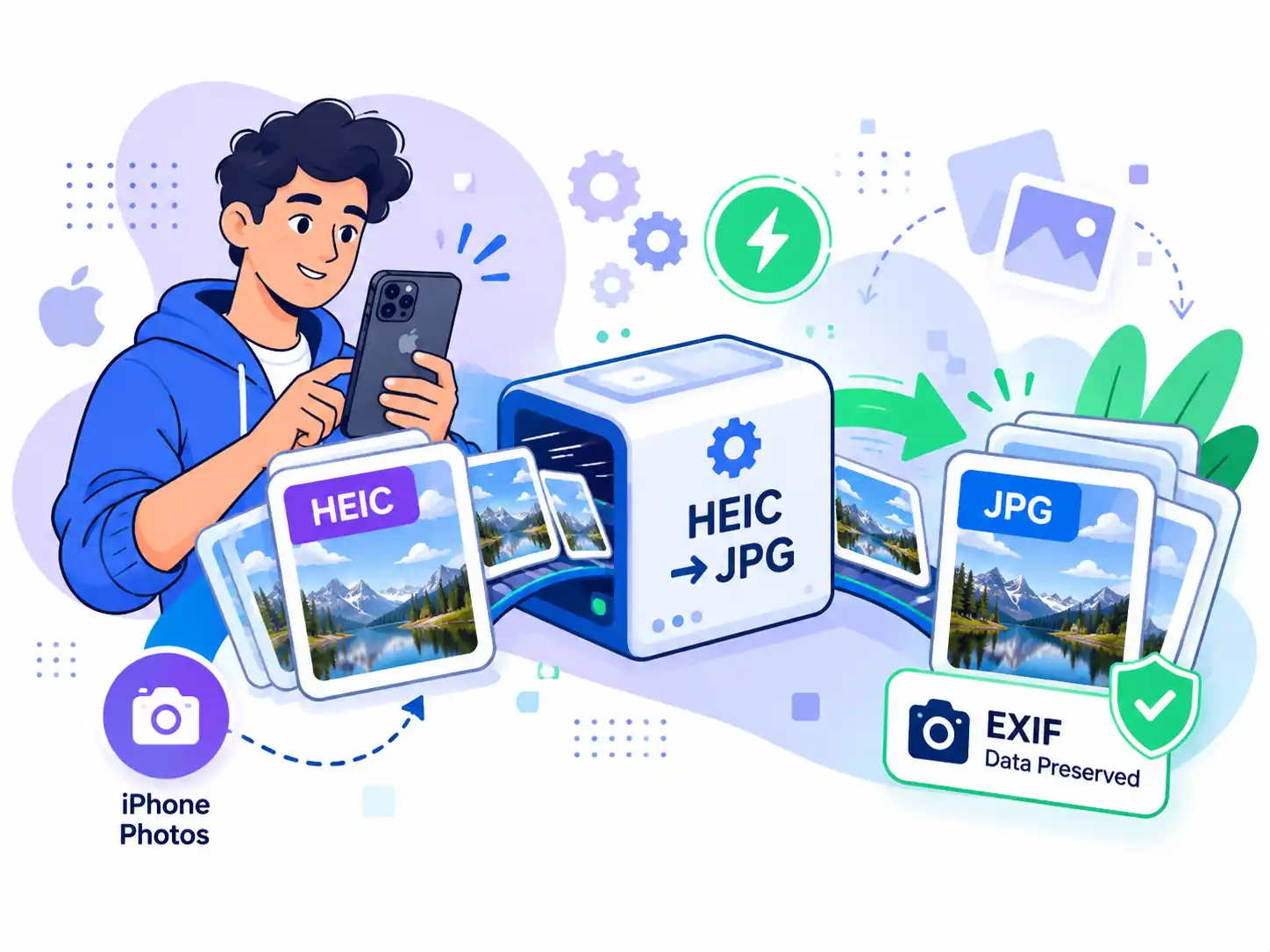
HEIC to JPG — High-Performance Engine
Convert Apple iPhone HEIC photos to universal JPG or PNG format online for free on Windows and Mac. Preserves EXIF tags with zero cloud uploads.
- In-Browser libheif WebAssembly Engine (Zero Cloud Upload)
- Full Camera EXIF Metadata, GPS & Timestamp Preservation
- Batch Convert 100+ iPhone Photos Simultaneously into a ZIP
- Opens iPhone Photos on Windows 10, Windows 11 & Android
- Retains Full Original Sensor Resolution (12MP, 24MP, 48MP)
- Free Forever Without Watermarks, Ads or Sign-Up
Absolute Zero-Upload Confidentiality
Your files are processed strictly within your device RAM using WebAssembly. Zero cloud uploads.

How to use online: HEIC to JPG Converter: Convert iPhone Photos
Follow these 3 simple steps to process your documents directly in your browser with zero installations.
Specifications & Format Compatibility
Engineered strictly to W3C WebAssembly and Typed Array specifications.
- Decoding Architecture
- Client-Side libheif WebAssembly (WASM) ISO-14496 Parser
- Supported Source Formats
- Apple HEIC, HEIF, HIF (Single & Multi-Item Containers)
- Target Format
- Universal Baseline & Progressive JPEG (JFIF Standard) & PNG
- Metadata Preservation
- Full EXIF 2.32, Display P3 / sRGB Color Profile Tags, GPS
- Batch Processing Queue
- Parallel Multi-Threaded In-Memory Worker Architecture
- Pricing & Licensing
- Free Forever ($0) • No Account Required • Unlimited
Target Audience & Practical Use Cases
Who benefits most from this in-browser utility and when to deploy it.
Frequently Asked Questions
Everything you need to know about privacy, security, file limits, and usage.
Authoritative Standards & Technical Citations
Official industry specifications, web standards, and cryptographic references powering this engine.
ISO/IEC 23008-12 High Efficiency Image File Format (HEIF)
International standard for HEIC containers, tiling hierarchies, and auxiliary depth map streams.
libheif WebAssembly Open Source Architecture
ISO/IEC 23008-12 compliant decoder compiled into WebAssembly for client-side browser execution.
JEITA CP-3451D Exchangeable Image File Format (EXIF 2.32)
Standard defining metadata tags, geolocation tags, and camera parameters in digital image files.
Understanding Apple HEIC vs Legacy JPEG Architecture
Introduced by Apple in iOS 11, the High Efficiency Image File (HEIF) standard leverages modern Discrete Cosine Transform (DCT) block coding derived from H.265 video compression. This allows iPhones to store high dynamic range (HDR) color depth and deep bit depths at roughly half the file weight of traditional JPEGs.
However, this efficiency comes at the cost of universal interoperability. Proprietary patent licensing has prevented native OS integration in older Windows releases, legacy office software, and many web CMS portals. Multinook bridges this ecosystem divide by providing instant, client-side transcoding into universally compatible JPEG files without requiring administrative rights or third-party software installation.
WebAssembly libheif Compilation and Multi-Threaded Batch Conversion
Historically, decoding HEIF bitstreams in the browser required sending multi-megabyte photo files to remote server farms. Multinook replaces this latency-heavy model by compiling the authoritative open-source C/C++ libheif codec library directly to W3C WebAssembly (WASM).
When you drop an album of iPhone photos into the application, your browser allocates off-thread Web Workers to decode the HEVC intra-frames in local RAM. Because processing occurs on your physical CPU and memory, batch conversion speeds scale directly with your hardware, easily converting dozens of high-resolution images in seconds without server queue bottlenecks.
Preserving Metadata Fidelity and Photogrammetric Color Accuracy
A frequent complaint with rudimentary cloud converters is the catastrophic loss of metadata, stripping camera capture timestamps, ISO settings, lens metadata, and GPS geolocations, which throws photo organization software into disarray.
Multinook's pipeline parses the underlying ISO base media file format (ISOBMFF) boxes, extracting EXIF and color profile information (including Apple Display P3 color gamuts) and mapping them accurately into the resulting JFIF JPEG stream. This guarantees that your photo library preserves chronological timelines, accurate color renditions, and authentic capture settings.