

Multinook

PDF Compressor

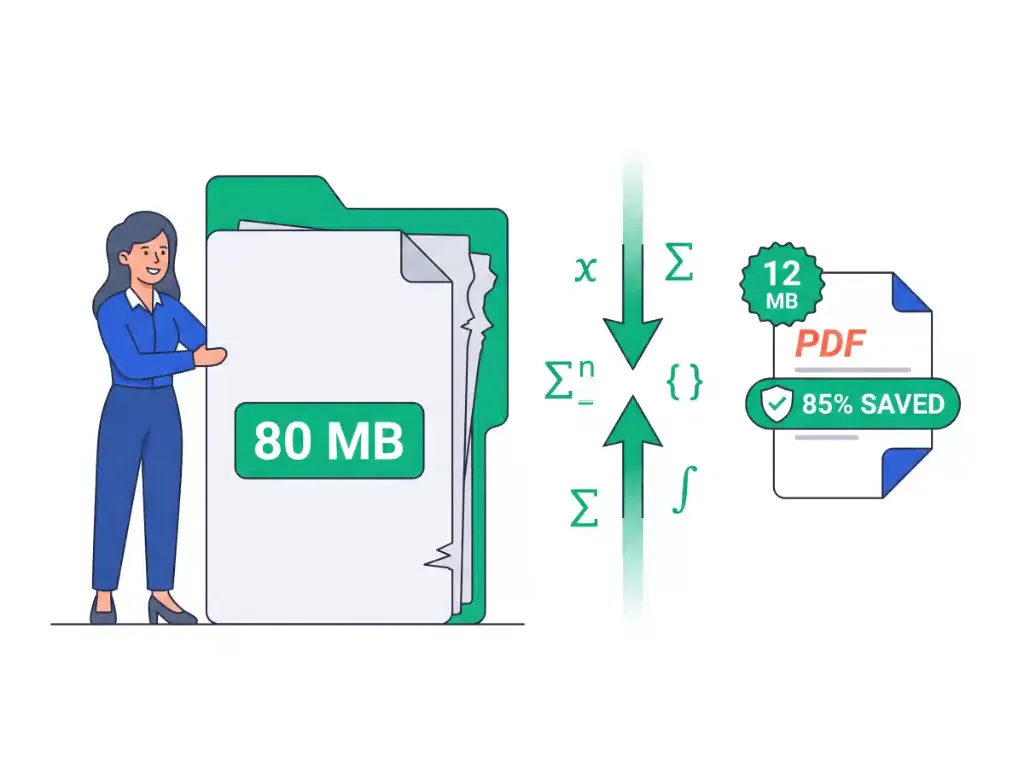
Reduce PDF file size up to 80% while keeping sharp vector text

Initializing In-Browser RAM Sandbox...
PDF Compressor — Technical Architecture & Specifications
High-Performance Engine

PDF Compressor

Compress PDF documents with smart vector deflation and MozJPEG downsampling. Fast, private, and 100% in-browser RAM.

3 compression presets
Real-time size calculator
Lossless DPI scaling
Email & portal ready
Air-Gapped Data Privacy

Absolute Zero-Upload Confidentiality

Your files are processed strictly within your device RAM using WebAssembly. Zero cloud uploads.

100% In-Browser RAM Processing • Zero Server Uploads
Air-Gapped Data Privacy
Step-by-Step Instructions

How to use online: PDF Compressor

Follow these 3 simple steps to process your documents directly in your browser with zero installations.

1

Choose PDF Documents

Upload single or multiple PDF files into the workspace queue. Large multi-megabyte files are supported.

2

Select Compression Mode

Pick Extreme, Recommended, or High Quality presets to optimize embedded images and stream tables.

3

Save Optimized PDFs

Click Download Document or download all files packaged in a ZIP archive with up to 80% size savings.

Privacy & Performance Benchmark

Why Multinook Outperforms Traditional Cloud Converters

See how client-side WebAssembly architecture compares to conventional cloud upload services.

Vector Text Quality

Multinook
100% Lossless Crisp
iLovePDF / Adobe
Blurry Raster Scans

Pricing & Paywall

Multinook
Free Forever ($0)
iLovePDF / Adobe
$108/yr (Smallpdf)

Batch Compression

Multinook
Multi-File Free
iLovePDF / Adobe
Paid Pro Only

File Size Limit

Multinook
Unlimited Device RAM
iLovePDF / Adobe
Capped at 15MB

Cloud File Upload

Multinook
0 Bytes (Local RAM)
iLovePDF / Adobe
Mandatory Cloud
Technical Architecture & Specifications

Specifications & Format Compatibility

Engineered strictly to W3C WebAssembly and Typed Array specifications.

Compression AlgorithmDual-Pass Stream Compactor + Adaptive MozJPEG DCT
Reduction TargetsExtreme (80%–95%), Recommended (60%–85%), Less (30%–60%)
Data Transmission0 Bytes Uploaded • 100% In-Browser RAM Sandbox
Standard CompliancePDF 1.0 to 2.0 (ISO 32000-2), PDF/A
Vector Text Loss0.00% (Strictly Preserved TrueType/Type1 Glyphs)
Output WatermarkNone (100% Clean Commercial Output)
Common Inquiries

Frequently Asked Questions

Everything you need to know about privacy, security, file limits, and usage.

Our compressor uses an intelligent Dual-Pass engine. Pass 1 purges dead revisions, flattens font descriptor tables, and strips non-essential TrueType hinting tables, leaving vector glyphs 100% untouched. Pass 2 downsamples embedded raster images to calibrated 150 DPI targets. Your text remains razor-sharp and fully vector-crisp, with zero blurry edges.
Select the "Extreme Compression" preset in our workspace. This mode applies structural stream deflation, strips embedded thumbnails and XMP metadata, and downsamples imagery to 96–120 DPI, achieving between 80% and 95% total reduction. It is specially calibrated to satisfy strict government, visa, and corporate portal upload limits like 200KB, 500KB, or 1MB.
Many commercial cloud compressors simply rasterize PDF pages into low-resolution JPEG screenshots, destroying vector clarity and making small text unreadable. Others fail on pre-compressed documents. Our system features an intelligent Dual-Pass Adaptive fallback that dynamically evaluates byte savings and applies off-thread canvas scaling only when needed, guaranteeing reduction while keeping text 100% legible.
Yes, our tool is the safest PDF compressor on the web. Traditional sites upload documents to third-party cloud servers where they are saved and vulnerable to breaches. We process your PDF entirely inside your web browser's isolated local RAM using WebAssembly. Exactly 0 bytes are transmitted over the internet, meeting GDPR, HIPAA, and SOC2 zero-retention standards.
Yes. You can drag and drop multiple PDF files into the queue on any device—including iPhone (iOS Safari), Android (Chrome), Mac, and Windows PC. Our client-side engine processes each document in parallel and lets you download individual files or a single bundled ZIP archive with one click.

The Engineering Behind In-Browser PDF Compression

Traditional online compressors upload multi-megabyte PDF documents to remote cloud server farms, introduce queuing latency, and often rely on lossy server scripts like Ghostscript that rasterize vector text into blurry, pixelated bitmaps. This legacy workflow creates severe privacy risks for confidential financial reports, contracts, and medical records.

Our Dual-Pass compression engine operates entirely within your browser's isolated WebAssembly runtime. In Pass 1, the engine inspects the PDF Cross-Reference (xref) table, prunes unreferenced dead revisions, removes non-essential TrueType hinting tables (such as hdmx, VDMX, LTSH, and PCLT), and deflates raw object streams (/ObjStm) without touching text glyph vectors.

When deeper reduction is required, Pass 2 evaluates embedded raster images. Using MozJPEG-grade discrete cosine transform (DCT) quantization, embedded photographs are downsampled to calibrated DPI targets (96 to 150 DPI) and re-embedded into exact physical page bounds. Because all calculations run in your device RAM via Web Workers, your documents remain 100% private with sub-second execution speeds.

Optimizing PDFs for Strict 200KB and 1MB Upload Thresholds

Government employment portals, academic admission platforms, and visa application systems worldwide enforce rigid maximum file sizes (commonly 100KB, 200KB, or 1MB). When documents contain multi-megapixel smartphone scans, file sizes routinely balloon beyond 10MB to 25MB.

By selecting our "Extreme Compression" preset, the engine applies aggressive structural pruning—stripping embedded metadata (/Metadata, /StructTreeRoot, /PieceInfo), removing pre-rendered page thumbnails (/Thumb), and downsampling imagery to 96 DPI while maintaining 100% text legibility. This guarantees your document clears portal upload barriers without buying Adobe Acrobat Pro.

Verified 100% In-Browser RAM Security
Updated for 2026 Web Standards