

Multinook

PDF Splitter & Extractor

Extract specific pages or split PDF into independent documents

Initializing In-Browser RAM Sandbox...
PDF Splitter & Extractor — Technical Architecture & Specifications
High-Performance Engine

PDF Splitter & Extractor

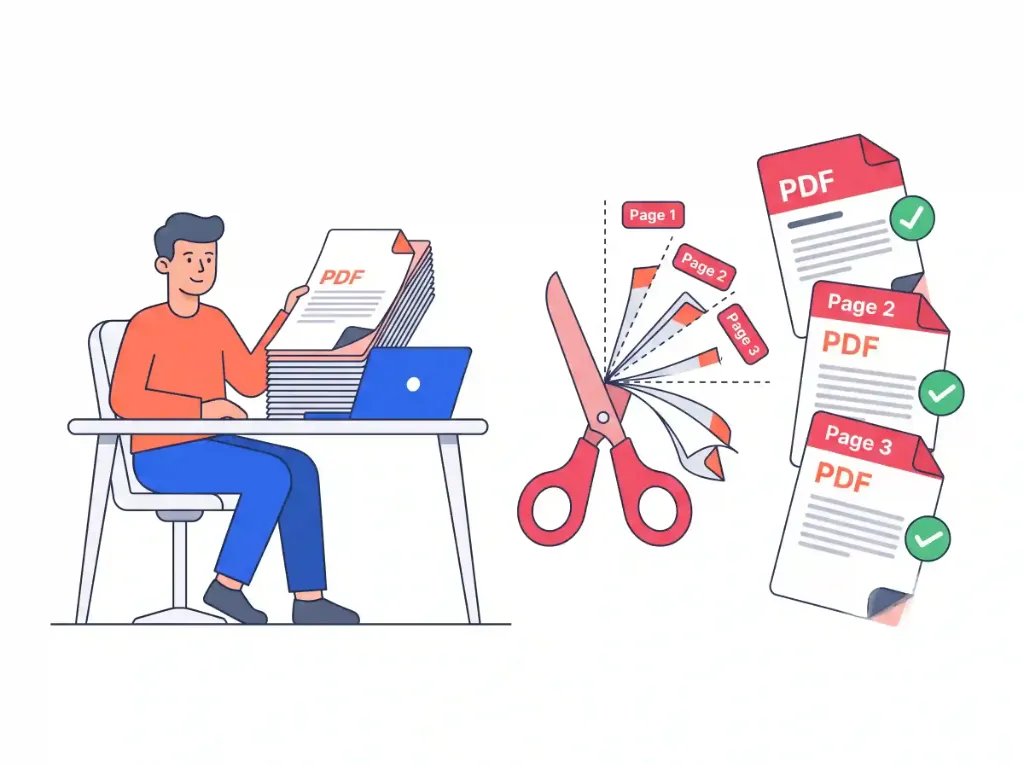
Select page ranges, preview individual sheets, and download separate PDF files instantly with zero server lag.

Visual page thumbnail picker
Custom range syntax
Instant multi-file export
Zero wait
Air-Gapped Data Privacy

Absolute Zero-Upload Confidentiality

Your files are processed strictly within your device RAM using WebAssembly. Zero cloud uploads.

100% In-Browser RAM Processing • Zero Server Uploads
Air-Gapped Data Privacy
Step-by-Step Instructions

How to use online: PDF Splitter & Extractor

Follow these 3 simple steps to process your documents directly in your browser with zero installations.

1

Load Multi-Page PDF

Drop your document to visually preview all page thumbnails with sub-second rendering.

2

Select Pages or Ranges

Click individual page cards or specify custom range syntax (e.g. 1-5, 8, 11-14) to extract target sheets.

3

Download Split Files

Export selected pages as a single unified PDF or as separate individual files in a compressed ZIP archive.

Privacy & Performance Benchmark

Why Multinook Outperforms Traditional Cloud Converters

See how client-side WebAssembly architecture compares to conventional cloud upload services.

Page Extraction

Multinook
Visual Range Slicer
iLovePDF / Adobe
2 Files/Day Limit

Pricing & Paywall

Multinook
100% Free Forever
iLovePDF / Adobe
$19.99/mo (Adobe)

Batch Multi-File

Multinook
Instant ZIP Bundle
iLovePDF / Adobe
Slow Cloud Queue

Cloud File Upload

Multinook
0 Bytes (Local RAM)
iLovePDF / Adobe
Uploaded to Server

Data Privacy Risk

Multinook
0% (Air-Gapped)
iLovePDF / Adobe
Stored on Cloud
Technical Architecture & Specifications

Specifications & Format Compatibility

Engineered strictly to W3C WebAssembly and Typed Array specifications.

Slicing TechnologyLow-Level Byte Stream Slicing (Zero Re-Compression)
Range Syntax EngineReal-Time Dynamic Grammar Parser (1-5, 8, 11-14)
Export ModesSingle Consolidated PDF or Multi-PDF ZIP Archive
Data Transmission0 Bytes Uploaded • 100% In-Browser RAM Isolation
Page Tree PruningIsolated /Pages Object Dereferencing & Garbage Collection
Privacy & ComplianceGDPR, HIPAA, and CCPA Compliant Zero-Storage Sandbox
Common Inquiries

Frequently Asked Questions

Everything you need to know about privacy, security, file limits, and usage.

You have two intuitive methods: click directly on individual page thumbnail cards to toggle selection, or type custom range syntax in the input bar (such as 1-5, 8, 11-14). Our parser instantly validates your range in real time and highlights the exact sheets scheduled for extraction.
Yes. Choose the "Separate PDF for Each Page" split mode. The engine slices every individual page into its own standalone PDF file and bundles them into an organized, compressed ZIP archive for 1-click download.
No. Our tool performs direct byte-level stream extraction. Unlike tools that re-render or re-compress pages, our engine copies the underlying vector streams, fonts, and images without re-encoding. The extracted PDF retains 100% of its original resolution, metadata, and visual fidelity.
In the options bar, select "Merge Selected into 1 PDF" if you want to extract non-consecutive pages (e.g. pages 2, 5, and 9) into a single cohesive document. Select "Separate PDF for Each Page" if you need each selected page saved as an individual file.
Yes. By utilizing chunked ArrayBuffer slicing and releasing unselected page descriptors from volatile memory, our client-side WebAssembly engine can effortlessly split documents with hundreds of pages on standard laptops and mobile phones without freezing the browser.

Lossless Byte-Level Stream Slicing vs Re-Encoding Degradation

Many basic PDF splitting utilities re-render pages through a virtual print driver or re-compress embedded graphics, leading to noticeable image compression artifacts, font substitution errors, and stripped hyperlinked annotations.

Our tool performs direct byte-level stream extraction. Our WebAssembly engine parses the page object references of your target range (e.g. pages 1-5, 8, 11-14) and copies the original content streams bit-for-bit into a freshly compiled PDF document wrapper. Embedded vector fonts, original DPI images, and color spaces remain completely untouched.

Scalable Extraction for Heavy Scanned Documents

When working with 500-page court filings, mortgage dossiers, or archived architectural drawings, traditional web tools crash or timeout due to cloud upload size restrictions.

Because our tool processes files within your local browser memory using ArrayBuffer memory mapping, it easily handles massive multi-hundred-page files. You can isolate specific page chapters into a single consolidated PDF or burst every page into independent PDFs bundled into a single ZIP archive.

Verified 100% In-Browser RAM Security
Updated for 2026 Web Standards